
Disclaimer: This article is for informational purposes only and does not constitute legal advice. Regulations may vary by jurisdiction and are subject to change. Always consult the FMCSA website or a qualified professional for the most current requirements.
Introduction
The truck driver log book is the cornerstone of professional recordkeeping in the commercial transportation industry. Every mile driven, every fuel stop, and every rest break must be recorded down to the exact minute.
Whether you’re a veteran driver who remembers the “comic book” era of dashboard clipboards and plastic rulers, or a new operator navigating the high-tech digital landscape, understanding log book requirements is essential for protecting your Commercial Driver’s License (CDL) and keeping your career on track.
This comprehensive guide covers everything you need to know about truck driver log books from basic requirements and Hours of Service (HOS) rules to ELD compliance and best practices for 2026.
What Is a Truck Driver Log Book?
A truck driver log book – also known as a driver’s daily log or Record of Duty Status (RODS) is a legally required document used to track a commercial driver’s working hours and duty status throughout each 24-hour period.
Its primary purpose is to ensure compliance with Hours of Service regulations enforced by the Federal Motor Carrier Safety Administration (FMCSA), which are designed to prevent driver fatigue and enhance road safety.
The log book serves multiple critical functions:
- Legal compliance: Proves adherence to federal driving limits
- Safety assurance: Prevents fatigue-related accidents by enforcing rest breaks
- Accountability: Creates a documented trail of driver activities
- Legal protection: Serves as evidence in audits, accident investigations, and legal proceedings
Hours of Service (HOS) Rules: The Foundation of Log Books
HOS regulations determine exactly how many hours a driver can operate and how much rest is required. For commercial motor vehicle drivers transporting property, the following rules apply:
Daily Driving Limits
- 11-hour driving limit: After being off duty for ten consecutive hours, drivers may drive a maximum of 11 hours
- 14-hour on-duty limit: A driver may not drive beyond the 14th consecutive hour after coming on duty this window cannot be extended with breaks
- 30-minute break: Required after 8 hours of driving
Weekly Limits
- 60/70-hour rules: Drivers are limited to 60 hours on duty over seven consecutive days or 70 hours over eight consecutive days
The 10-Hour Rule
Drivers must take 10 consecutive hours off duty before starting a new shift. This rest period is non-negotiable and forms the foundation of safe driving practices.
The Four Core Duty Statuses
Every minute of a commercial driver’s day must be accurately categorized into one of four specific duty statuses:
1. Off-Duty
This status applies when you are completely relieved of all responsibilities regarding the truck, the motor carrier, and the freight. You are free to pursue your own activities and leave the premises entirely.
2. Sleeper Berth
This status is specifically reserved for time spent resting inside the compliant sleeper berth compartment of the commercial motor vehicle. Time spent resting in a day cab or motel room cannot be legally logged as sleeper berth time.
3. Driving
This status is automatically triggered by telematics hardware. When the vehicle reaches a speed of five miles per hour, the system must instantly shift your status to Driving. This time cannot be manually edited or shortened.
4. On-Duty Not Driving
This category covers all work-related activities performed when you are not actively behind the wheel fueling the truck, completing pre-trip and post-trip inspections, waiting at shipping docks, and signing bills of lading.
Note: Drivers must update their status within 15 minutes to maintain precise and verifiable records.
Required Information in a Driver Log Book
A compliant driver log book must include several essential details:
Header Information
- Driver’s full name
- Date and complete 24-hour reporting period
- Carrier or company name
- Main office address of the motor carrier
- Home terminal address
Vehicle Information
- Truck and trailer ID numbers
- Total miles driven within the 24-hour period
Duty Status Records
- Start time of the 24-hour period
- Names of any co-drivers
- Shipping document information specifying carrier and commodity
Certification
- Driver’s signature to confirm that all recorded information is accurate and truthful
Log books are considered legal documents, and drivers’ signatures hold them accountable if entries are made incorrectly.
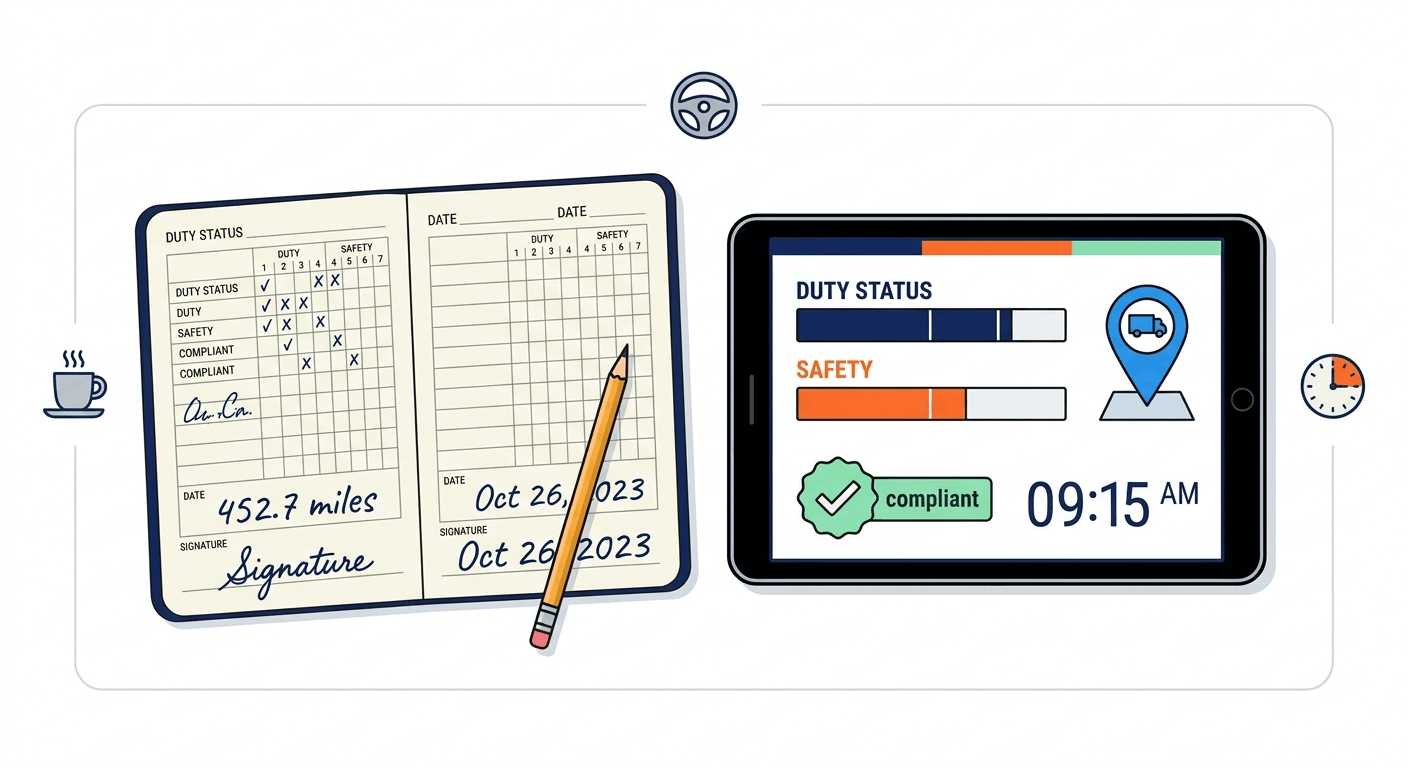
Paper Log Books vs. Electronic Logging Devices (ELDs)
The Paper Log Era
Before electronic logging, drivers recorded their duty status manually in paper logbooks. These manual records required:
- 15-minute increment calculations
- Handwritten entries for each duty status change
- Physical storage and organization
However, paper logs had significant drawbacks:
- 73% never reach the office – lost in trucks, thrown away, or illegible
- 6-8 hour data delay– critical defects reported after shift ends
- No photo evidence– can’t verify conditions or prove inspection occurred
- 15-20 minutes per logbook to digitize manually
The ELD Mandate
On December 18, 2017, the FMCSA’s ELD mandate went into effect, requiring most commercial drivers to record their hours of service electronically. Today, paper logbooks are no longer sufficient for most operations.
Key Differences
| Feature | Paper Log Books | Electronic Logging Devices (ELDs) |
|---|---|---|
| Record Capture | 27% (73% lost or missing) | 100% (auto-sync to cloud) |
| Data Availability | 6-8 hours after shift ends | Instant (real-time sync) |
| Photo Evidence | None (text descriptions only) | Unlimited timestamped photos |
| Time to Complete | 8-10 minutes | 3-4 minutes |
| Verification | Manual signatures only | GPS, photos, digital signatures |
Advantages of ELDs
Modern ELD systems generate accurate, tamper-resistant records that are easy to access during roadside inspections or audits. Additional benefits include:
- Real-time GPS location tracking
- Engine speed and load monitoring
- Fuel efficiency and idling data
- Diagnostics and fault codes
- Safety event recording (harsh braking, collisions)
ELD Compliance: What You Need to Know in 2026
Who Must Use an ELD?
Commercial motor vehicle drivers required to maintain RODS must comply with the DOT electronic logbook mandate if they:
- Transport hazardous materials requiring placards
- Drive vehicles weighing over 10,000 pounds
- Transport more than 8 passengers for compensation
- Have a GVWR or GCWR of more than 10,000 pounds
Exemptions
The following drivers may be exempt from ELD requirements:
- Drivers of vehicles manufactured before 2000
- Short-haul drivers operating within a 100 air-mile radius (CDL) or 150 air-mile radius (non-CDL)
- Drivers using paper RODS for not more than eight days per month
- Drive-away-tow-away operators
2026 Update: The “Brain and Body” Architecture
Regulatory enforcement has evolved significantly as we enter 2026. The FMCSA no longer accepts a simple mobile app as a valid method of tracking hours. Meeting federal compliance now requires a strict “Brain and Body” architecture:
- The Brain: Your digital application
- The Body: Engine-connected telematics hardware
The two must be perfectly synchronized to capture automated, tamper-proof vehicle data. Standalone, GPS-only mobile applications are strictly prohibited your system requires a physical tether to the vehicle.
ELD Data Storage Requirements
- ELD records must be stored for at least six months
- Drivers must carry records for the previous seven consecutive days
- Data must be readily accessible for inspections or audits
Paper Logs: Still Required as a Backup
Even with an ELD, truckers must keep paper log books in the vehicle. In the event of an ELD malfunction:
- Notify your carrier immediately
- Switch to paper logs within 72 hours
- Continue using paper logs until the ELD is repaired or replaced
Drivers must keep at least eight days of paper logs with them at all times. Additionally, FMCSA requires drivers using an ELD to have ELD instructions, malfunction procedures, and a supply of blank paper log records in the vehicle.
Best Practices for Maintaining a Truck Driver Log Book
1. Ensure Accuracy: Whether using a paper log book or ELD, entries must be precise and up-to-date. Even minor errors incomplete logs, missed breaks, or incorrect duty status entries can lead to serious compliance issues, legal risks, and damage to safety records.
2. Keep Required Documents in the Truck: Always have your ELD instruction manual and blank paper logs in the truck. Know how to show 14 days of logs during inspections practice this when you’re not under pressure.
3. Use Personal Conveyance Strategically: You can move to a safe parking spot after loading or unloading as long as you’re off duty and not advancing the load. Personal conveyance is classified as off-duty time and does not count toward the 14-hour work limitation.
4. Keep Detailed Notes on Delays: Record specific reasons like “waiting for door assignment” or “dock equipment breakdown” this strengthens detention pay claims.
5. Monitor Your 70-Hour Recap: Knowing exactly when hours drop off helps you plan better loads for the next week.
6. Train Drivers Thoroughly: Educate drivers on HOS regulations, proper log book use, and the importance of compliance. Drivers who master their ELD features report fewer violations, less time on paperwork, and more efficient dispatch.
7. Conduct Regular Audits: Fleet managers should review log books periodically to identify discrepancies and address them promptly.
8. Use Integrated Systems: Pair ELDs with fleet management software to streamline operations, monitor performance, and ensure compliance.
Common Violations and Penalties
Failure to have logs for the previous seven consecutive days or improper recordkeeping can result in violations and fines. Common violations include:
- Incomplete logs: Missing required fields or duty status entries
- Missed breaks: Failing to take required 30-minute breaks
- Incorrect duty status: Misclassifying time in the wrong category
- Exceeding driving limits: Violating 11-hour or 14-hour rules
- Missing records: Inability to produce required logs during inspections
Penalties
- Missing inspection records: $1,000-$2,500 fine per missing inspection
- Form and manner violations: Fines for improperly completed logs
- HOS violations: Significant fines and potential out-of-service orders
Log Books in Accident Investigations and Legal Proceedings
Log books play a crucial role in accident investigations. The FMCSA requires drivers to keep logs to ensure they abide by federal hours of service regulations. In the event of an accident:
- Log books serve as evidence of whether the driver was compliant with HOS regulations
- Violations can show fault in truck crashes
- Accurate records protect drivers and carriers from liability claims
The Future of Truck Driver Log Books
As we move further into the digital age, log book technology continues to evolve:
Enhanced Enforcement: In 2025, enforcement moved beyond basic adoption inspectors now routinely review historic ELD data, not just the current day’s logs.
Third-Generation ELDs: All federally regulated carriers must now use certified third-generation ELDs.
Integration with Fleet Management: ELDs are increasingly integrated with broader fleet management systems, providing real-time visibility into vehicle diagnostics, maintenance needs, and driver performance.
Potential HOS Flexibility: The FMCSA has proposed changes to HOS rules that allow for more flexible rest periods, giving drivers greater scheduling options while still maintaining safety standards.
Frequently Asked Questions
Do truck drivers still use paper log books?
What happens if my ELD malfunctions?
How long must ELD records be stored?
What vehicles require a log book?
Can I use a smartphone app as my log book?
Conclusion
The truck driver log book whether paper or digital remains a fundamental tool for maintaining compliance, improving safety, and optimizing fleet operations. While the physical medium has evolved from carbon paper to interactive touchscreens, the fundamental legal responsibility remains the same: maintaining and providing a perfectly accurate Record of Duty Status is still the driver’s top daily priority and the best way to protect your CDL.
By understanding HOS regulations, mastering ELD features, and following best practices for accurate recordkeeping, drivers can avoid costly violations, maximize productive hours, and keep our roads safe for everyone.