
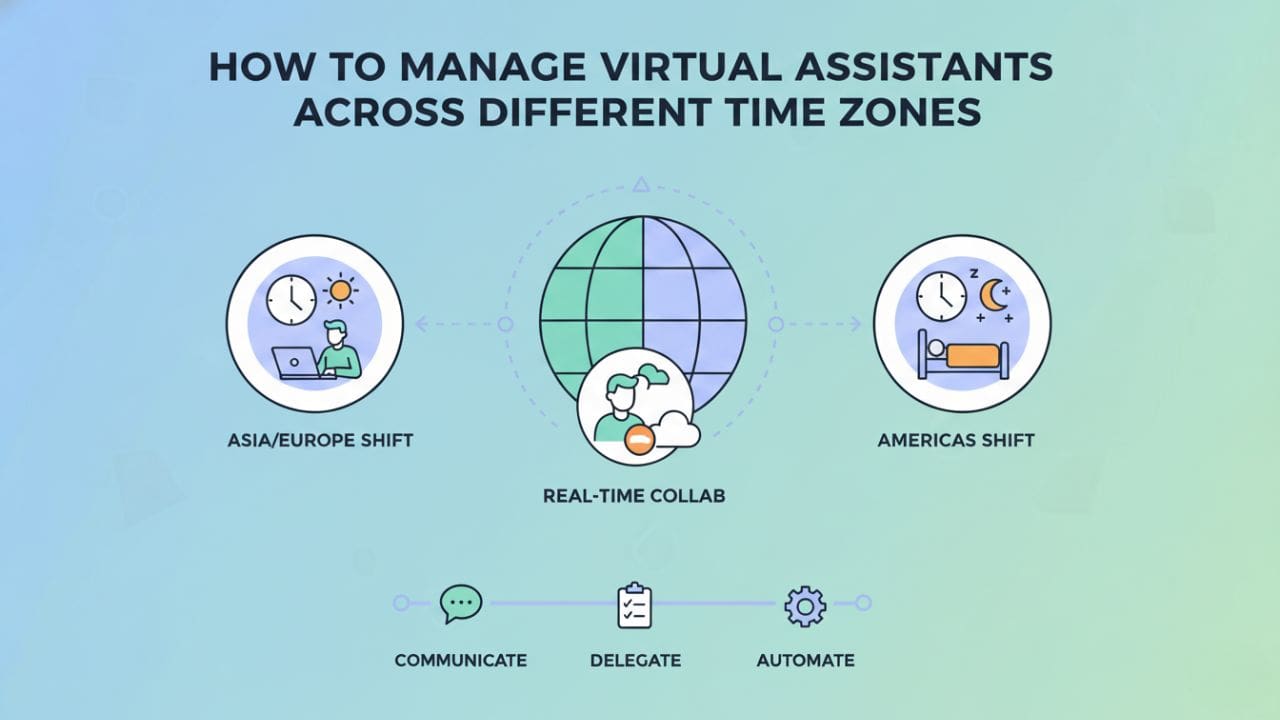
Managing virtual assistants across different time zones can feel frustrating at first.
You send a message. Hours pass. No reply.
You start wondering whether work is actually moving forward while you sleep.
The truth is, time zone differences don’t have to slow your business down. When managed correctly, they can actually become a competitive advantage that multiplies your productive hours without extending your workday.
In this guide, I’ll walk you through exactly how to manage virtual assistants across different time zones using practical systems, clear processes, data-backed strategies, and ready-to-use templates we’ve refined at Remms.
What You’ll Learn
- How to plan work schedules across multiple time zones with precision
- Tools that make communication smooth and reliable (with detailed comparisons)
- How to set expectations without micromanaging
- Ways to turn time zone differences into measurable productivity gains
- Real case studies showing quantified results
- Common mistakes and how to avoid them
- Edge cases competitors don’t address (daylight savings, emergency protocols, zero-overlap scenarios)
Why Time Zone Management Matters: The Data
When you hire virtual assistants globally, time zones become part of your daily operations.
If unmanaged, they lead to delays, miscommunication, and frustration.
If managed properly, they allow your business to operate almost 24/7.
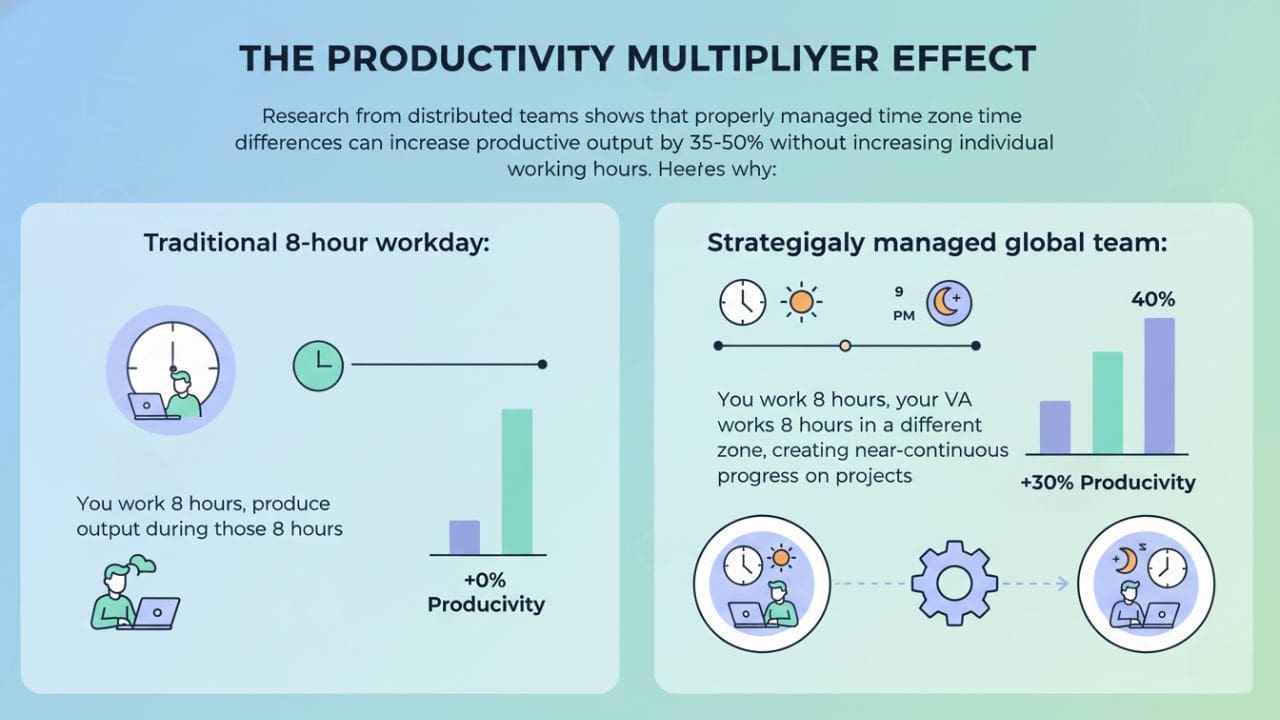
The Productivity Multiplier Effect:
Research from distributed teams shows that properly managed time zone differences can increase productive output by 35-50% without increasing individual working hours. Here’s why:
- Traditional 8-hour workday: You work 8 hours, produce output during those 8 hours
- Strategically managed global team: You work 8 hours, your VA works 8 hours in a different zone, creating near-continuous progress on projects
Real Turnaround Time Comparison:
| Scenario | Average Task Turnaround | Productivity Gain |
|---|---|---|
| Same time zone team | 24–48 hours | Baseline |
| Global team (no strategy) | 48–72 hours | -50% (worse) |
| Global team (with 2–4 hour overlap) | 12–18 hours | +150% |
| Global team (optimized handoff system) | 8–12 hours | +200% |
Step 1: Identify and Visualize Overlapping Work Hours
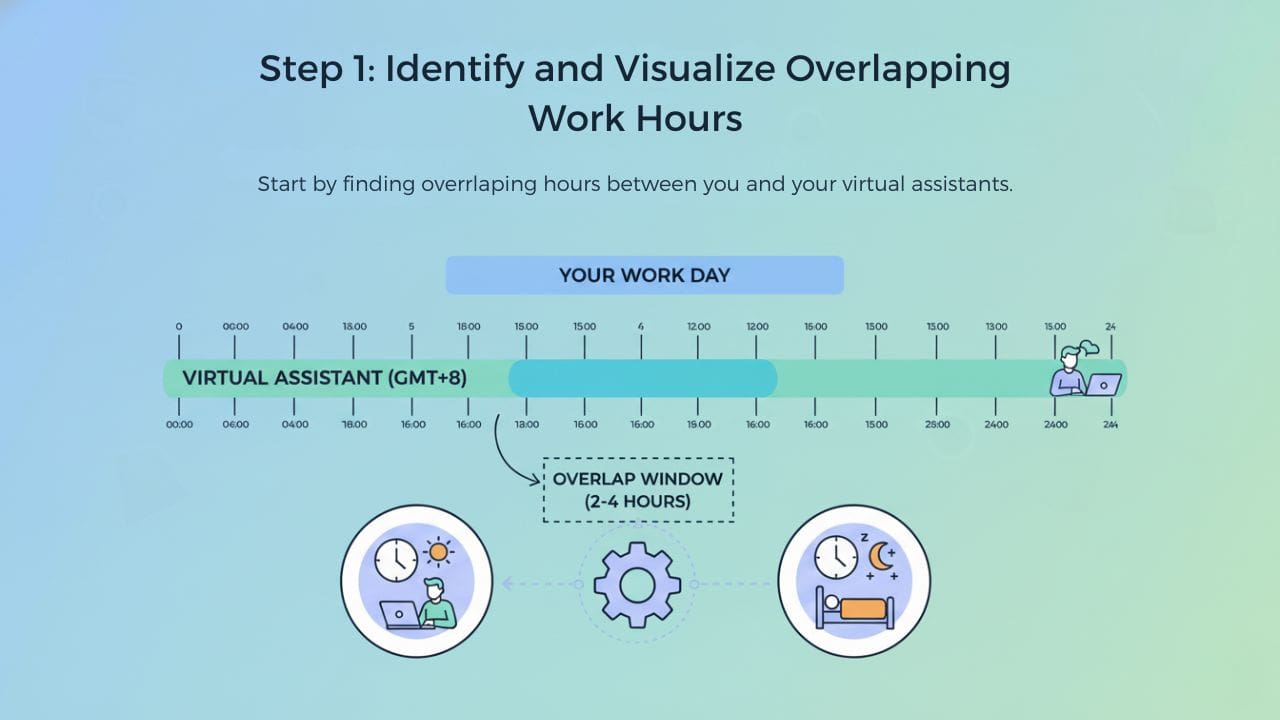
Start by finding overlapping hours between you and your virtual assistants.
You don’t need full-day overlap. Even a small window is enough.
How to Calculate Overlap
- Write down your working hours in your local time
- Ask your VA for their preferred working hours in their local time
- Use a time zone converter to identify overlap
- Identify at least 2–4 hours of overlap for best results
⏰ Time Zone Overlap Calculator
Find your ideal collaboration window with your VA
These shared hours are ideal for:
- Live communication and quick clarifications
- Real-time approvals and decision-making
- Daily or weekly check-ins
- Collaborative brainstorming sessions
- Training and onboarding
Step 2: Master Asynchronous Communication
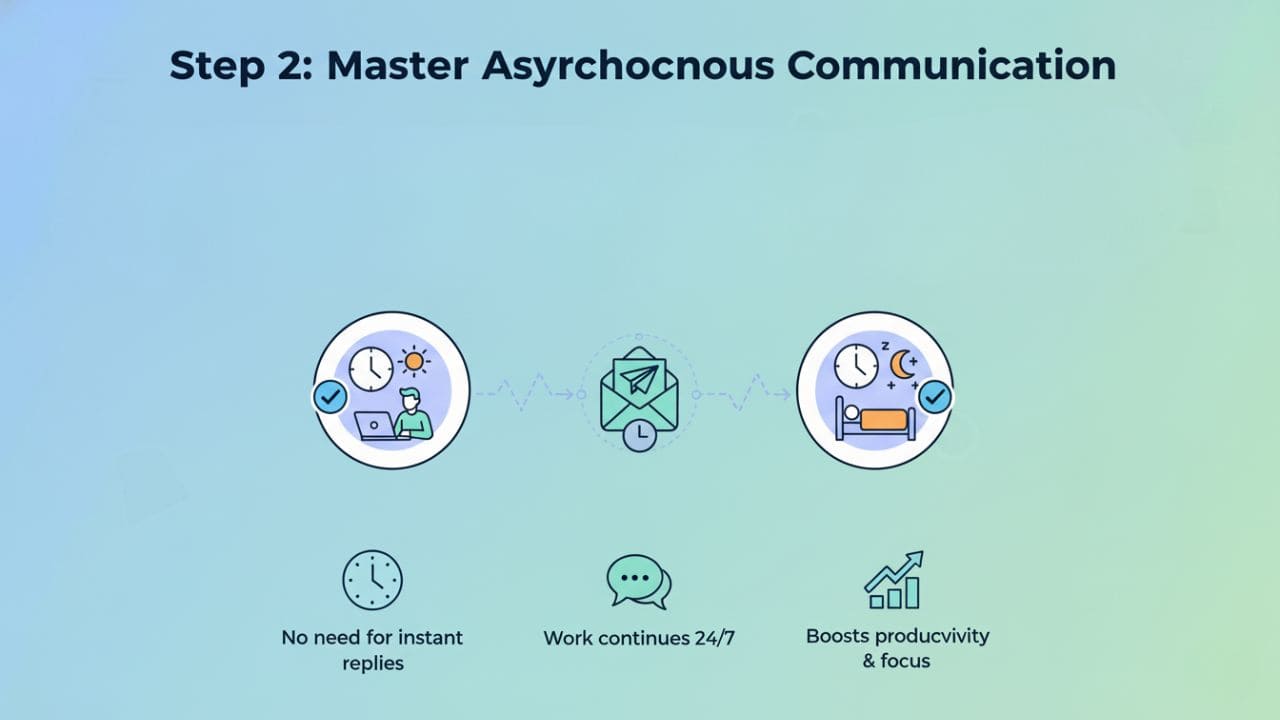
Not every task requires an instant response. In fact, research shows that 78% of remote work tasks can be completed asynchronously without any loss in quality.
Asynchronous communication allows work to continue even when you’re offline and it’s the secret weapon of high-performing distributed teams.
1. Write clear and detailed instructions
- Assume the other person won’t be able to ask follow-up questions for 8+ hours
- Include all necessary context, links, and resources upfront
2. Add context so VAs don’t have to guess
- Explain the “why” behind tasks, not just the “what”
- Share relevant background information
3. Set response expectations upfront
- Specify when you need a response
- Clarify whether something is urgent or can wait
❌ Ineffective Communication:
Synchronous mindset:

Can you work on this?
Did you see my message?
Let me know when you’re available.
✅ Effective (Asynchronous mindset):
"Task: Update the client database with Q4 entries

Details:
- Access the shared Google Sheet here: [link]
- Add all clients from the October-December folder
- Use the template format shown in Row 2
- Flag any entries with missing email addresses

Deadline: Tomorrow, 10 AM GMT+5
Priority: Medium
Expected time: 2-3 hours

Questions? Reply with specifics and I'll clarify within my next working window (4 PM your time)."
The Async Communication Checklist
Before sending any task assignment, verify:
- Task description is complete and self-contained
- All necessary links/files are attached or shared
- Deadline includes specific time zone
- Priority level is stated (High/Medium/Low)
- Expected completion time is estimated
- Next steps after completion are clear
- You’ve specified when you’ll be available for questions
Step 3: Standardize Your Communication Tools
Managing virtual assistants across different time zones becomes much easier when everyone uses the same tools.
But choosing the wrong tools or using too many creates confusion and delays.
Communication Tools
| Tool | Best For | Pros | Cons | Cost |
|---|---|---|---|---|
| Slack | Teams with mix of sync/async needs | Organized channels, searchable history, integrations | Can become distracting, notification overload | Free – $12.50/user/month |
| Microsoft Teams | Enterprise teams using Microsoft 365 | Tight Office integration, video calling | Steeper learning curve, heavier software | Included with M365 |
| Telegram | Simple, mobile-first communication | Fast, reliable, no user limits | Less professional, fewer integrations | Free |
Task Management Tools
| Tool | Best For | Pros | Cons | Cost |
|---|---|---|---|---|
| ClickUp | Complex projects, multiple VAs | Highly customizable, built-in time tracking | Can be overwhelming initially | Free – $19/user/month |
| Asana | Visual project planning | Clean interface, timeline views | Limited features on free plan | Free – $13.49/user/month |
| Trello | Simple, visual task tracking | Intuitive drag-and-drop, quick setup | Limited for complex workflows | Free – $10/user/month |
| Monday.com | Teams needing automation | Powerful automations, customizable | Expensive for small teams | $9-$16/user/month |
Time Zone & Scheduling Tools
| Tool | Best For | Pros | Cons | Cost |
|---|---|---|---|---|
| World Time Buddy | Quick time comparisons | Simple visual interface | Manual calculations | Free – $4/month |
| Calendly | Meeting scheduling | Auto-generates slots, prevents conflicts | Premium features require paid plan | Free – $12/user/month |
| SavvyCal | Personalized scheduling | Better UX than Calendly, overlay feature | Newer, fewer integrations | $12-$20/user/month |
| Every Time Zone | Quick reference | Clean one-page view of all zones | Read-only, no scheduling | Free |
Documentation & Knowledge Base
| Tool | Best For | Pros | Cons | Cost |
|---|---|---|---|---|
| Google Docs | Real-time collaboration | Universal access, commenting, version history | Can get disorganized | Free |
| Notion | Comprehensive knowledge base | All-in-one workspace, templates | Learning curve for advanced features | Free – $10/user/month |
| Loom | Video instructions | Quick to record, easy to share | Videos aren’t searchable like text | Free – $12.50/user/month |
The Minimal Effective Toolkit
For most small teams, this combination works best:
- Communication: Slack (or Telegram for simplicity)
- Task Management: ClickUp or Asana
- Documentation: Google Docs + Loom
- Scheduling: World Time Buddy + Calendly
Advanced: Browser Extensions That Save Time
- Timezone.io – Chrome extension showing team member time zones
- Google Calendar World Clock – Displays multiple time zones in Calendar
- Slack Time Zone Converter – Auto-converts times in Slack messages
- Boomerang for Gmail – Schedule emails to send during recipient’s working hours
Step 4: Always Mention Time Zones with Deadlines
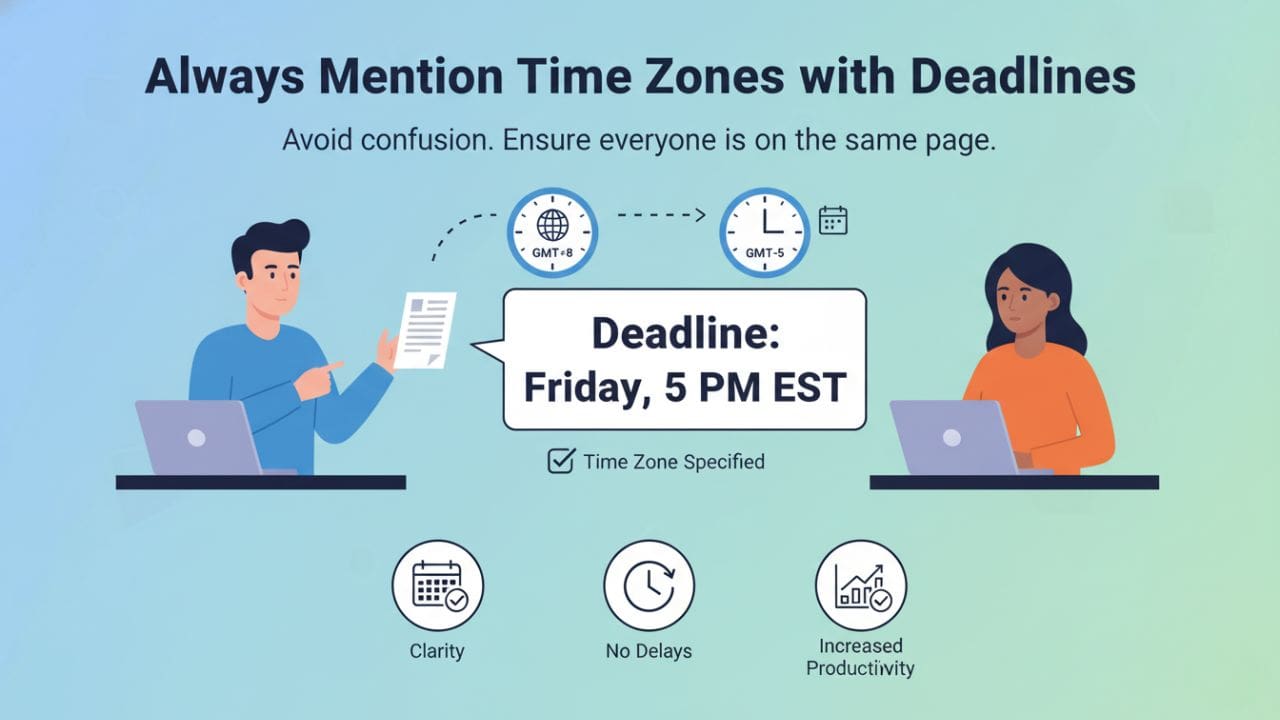
Never assume time zones. Always label them.
This single habit prevents more miscommunication than almost any other practice.
Time Zone Labeling Standards
❌ Ambiguous:
"Deadline: 5 PM today"
"Submit by tomorrow morning"
"Meeting at 10 AM"
✅ Clear:
"Deadline: 5 PM EST (Friday, Dec 20)"
"Submit by 10 AM GMT+8 (Saturday, Dec 21)"
"Meeting at 2 PM PST / 6 AM SGT+1 (next day)"
The Daylight Savings Problem (Edge Case)
Daylight Savings Time creates hidden time zone shifts twice per year.
Problem scenario:
- You schedule a recurring meeting for “9 AM EST”
- Daylight Savings ends in the US
- Your VA in a non-DST country suddenly finds the meeting moved by an hour
Solution strategies:
- Use UTC as the standard: “Meeting at 14:00 UTC” (never changes)
- Update recurring events manually: Review all recurring meetings during DST transitions
- Use smart scheduling tools: Calendly and similar tools auto-adjust for DST
- Send reminders: Week before DST changes, notify team of upcoming shifts
Time Zone Communication Template
PROJECT: [Project Name]
TASK: [Task Description]
DEADLINE: [Date] at [Time] [Time Zone]
YOUR LOCAL TIME: [Converted time for recipient]

Example:
PROJECT: Client Website Redesign
TASK: Complete homepage mockup review
DEADLINE: Thursday, Jan 15 at 3 PM EST
YOUR LOCAL TIME: Friday, Jan 16 at 4 AM PHT
Step 5: Create SOPs for Repetitive Tasks
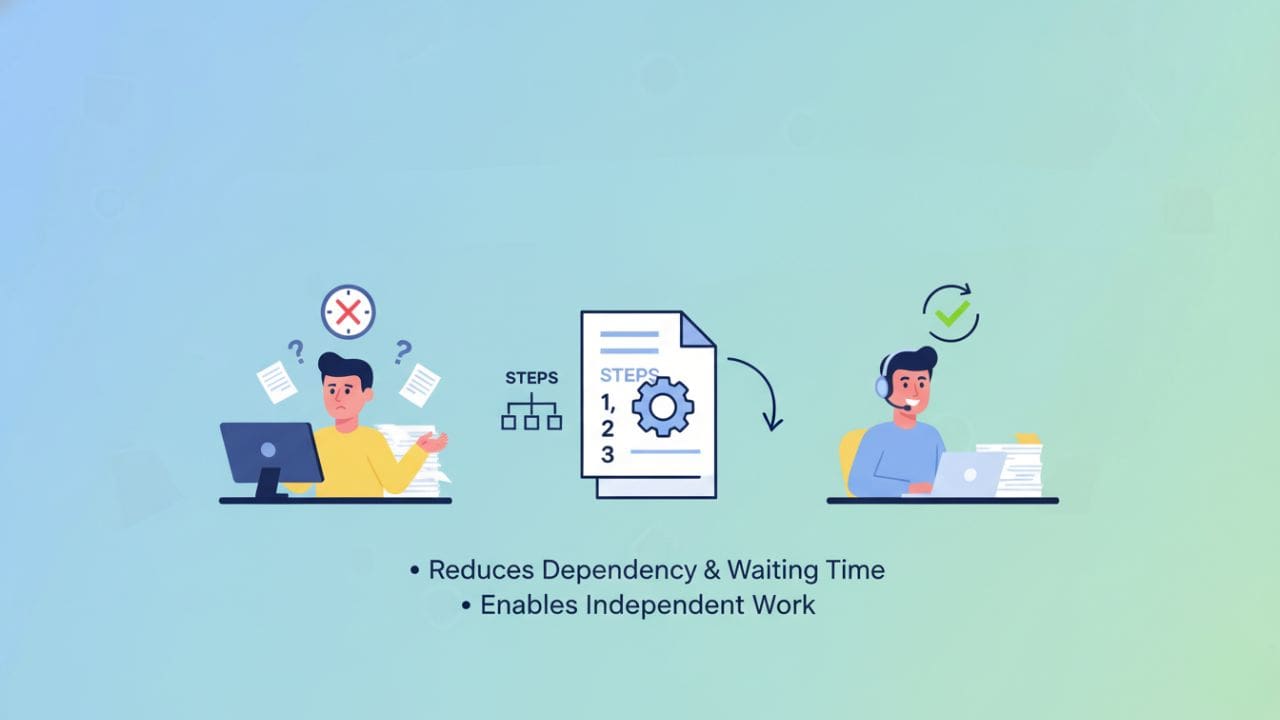
Standard Operating Procedures (SOPs) allow virtual assistants to work independently, regardless of time zones.
They reduce dependency and waiting time by an average of 70%.
What Makes a Great SOP
A good SOP should include:
- Step-by-step instructions – Numbered, sequential, no assumptions
- Screenshots where needed – Visual confirmation of correct actions
- Short video walkthroughs – Loom recordings for complex processes
- Clear expected outcomes – What “done” looks like
- Troubleshooting section – Common problems and solutions
- Update date – When the SOP was last verified
SOP Template
TASK NAME: [Clear, descriptive title]
FREQUENCY: [Daily/Weekly/Monthly/As needed]
ESTIMATED TIME: [How long this should take]
TOOLS NEEDED: [List of required tools/access]

STEP-BY-STEP PROCESS:

1. [First action]
   - [Sub-detail if needed]
   - [Screenshot or link]

2. [Second action]
   - [Specific instructions]

3. [Third action]
   ...

QUALITY CHECKLIST:
□ [Thing to verify]
□ [Thing to double-check]
□ [Final confirmation]

EXPECTED OUTCOME:
[Description of completed task]
[Screenshot of finished product if applicable]

WHAT TO DO IF:
- Problem X occurs → Solution Y
- You can't access Z → Alternative approach

QUESTIONS OR ISSUES:
Contact [Name] via [Channel] - Response within [Timeframe]

LAST UPDATED: [Date]
UPDATED BY: [Name]
SOP Storage and Organization
Best practices:
- Central repository: Use Notion, Google Drive folder, or Confluence
- Naming convention: “SOP – [Department] – [Task Name] – [Version]”
- Version control: Keep previous versions for reference
- Regular reviews: Update SOPs quarterly or when processes change
- Video + text: Combine written steps with Loom walkthrough videos
Step 6: Turn Time Zones Into a Productivity Advantage
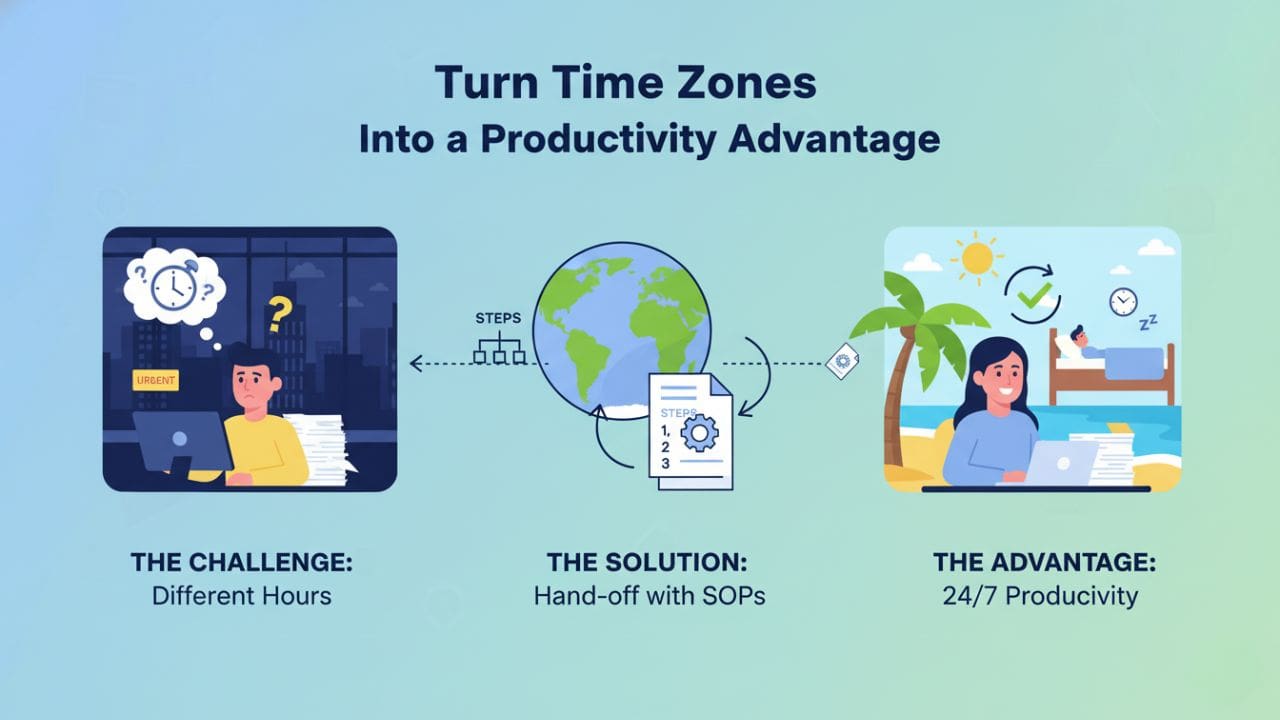
Instead of fighting time differences, use them strategically to create a productivity multiplier effect.
The Follow-the-Sun Workflow
Here’s how it works:
- End of your workday: Assign tasks with clear instructions
- During your sleep: Your virtual assistant works and completes tasks
- Start of your workday: You wake up to completed or progressed work
- Review and assign next batch: Provide feedback, assign new tasks
- Cycle repeats: Creating near 24-hour workflow
Visual Timeline:
[Your Day - New York EST]
9 AM: Review completed work from overnight
10 AM: Provide feedback, assign new tasks
11 AM - 4 PM: Your focus work
5 PM: Final task assignment for overnight
6 PM: Log off

[VA's Day - Manila PHT - 13 hours ahead]
10 PM: Receives your task assignments
11 PM - 7 AM: Works on assigned tasks
8 AM: Submits completed work
9 AM: Log off

[Results]
Your 8-hour day + VA's 8-hour night = 16 hours of productivity
Effective output: 2x normal workday without anyone working overtime
Strategic Task Assignment for Time Zone Leverage
Best tasks to assign before you log off:
- Data entry and organization
- Research and information gathering
- Content drafting and editing
- Design mockups and iterations
- Email management and inbox sorting
- Report generation
- Customer service responses (for overnight inquiries)
- Social media scheduling
- Administrative tasks requiring no real-time input
Tasks requiring overlap window:
- Strategy discussions
- Complex problem-solving
- Training and skill development
- Performance reviews
- Brainstorming sessions
- Urgent approvals
- Client-facing work requiring coordination
Step 7: Schedule Regular Check-Ins (With Structure)
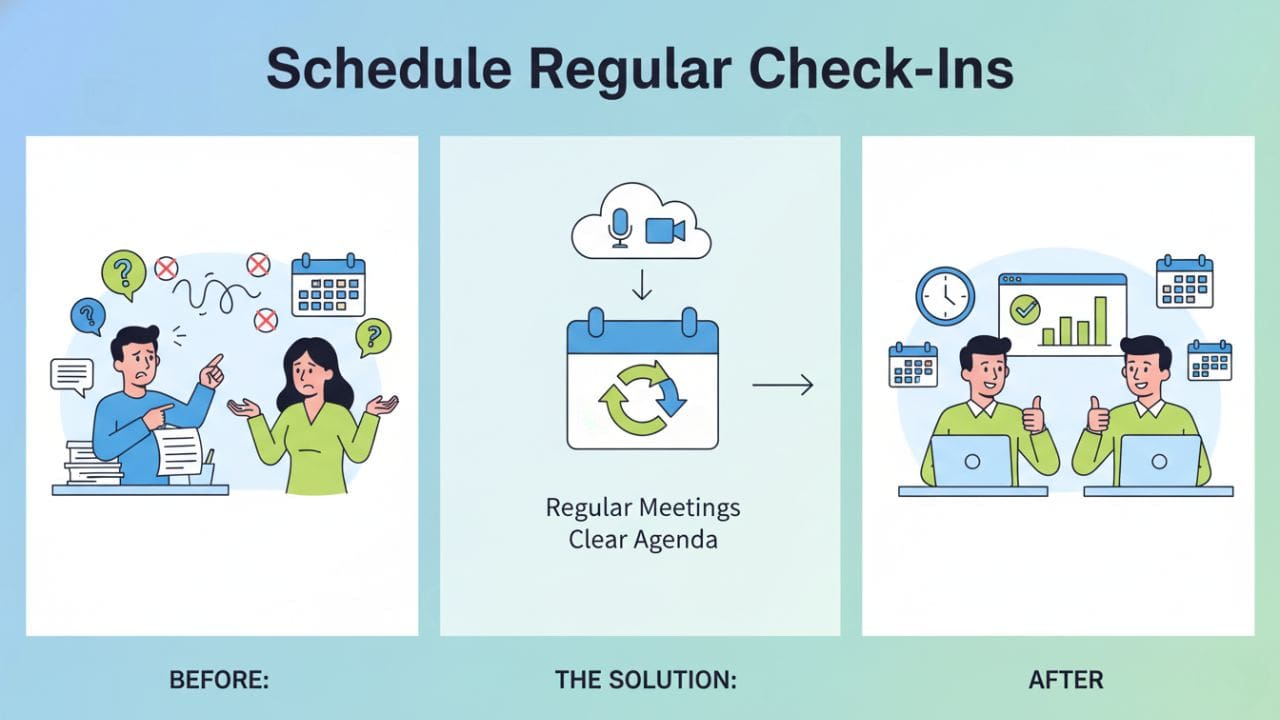
Even across time zones, consistency builds alignment, accountability, and connection.
Effective Check-In Formats
Daily Written Updates (Asynchronous):
DATE: [Date]
VA NAME: [Name]

COMPLETED TODAY:
✓ [Task 1] - [Brief outcome]
✓ [Task 2] - [Brief outcome]
✓ [Task 3] - [Brief outcome]

IN PROGRESS:
→ [Task 4] - [Current status, % complete]
→ [Task 5] - [Current status, expected completion]

BLOCKERS / QUESTIONS:
❗ [Issue 1] - [What you need to proceed]
❗ [Question 2] - [Specific question]

TOMORROW'S PRIORITIES:
1. [Top priority task]
2. [Second priority]
3. [Third priority]

NOTES:
[Any additional context, observations, or suggestions]
Frequency: Daily, submitted at end of VA’s workday
Weekly Video Check-Ins (Synchronous)
Structure for 30-minute weekly call:
- 5 min: Personal check-in, build rapport
- 10 min: Review previous week’s accomplishments
- 10 min: Discuss upcoming week’s priorities
- 3 min: Address any blockers or concerns
- 2 min: Confirm action items and next steps
Best scheduling practice: Use the middle of your overlap window, not the beginning or end. This allows flexibility if the call runs over.
Monthly Performance Reviews
Structure for 45-minute monthly review:
- Review quantitative metrics (tasks completed, quality scores)
- Discuss qualitative feedback (communication, initiative, problem-solving)
- Address any challenges or concerns
- Set goals for next month
- Discuss skill development opportunities
The Accountability Balance
What to track:
| What NOT to Track | What to Track |
|---|---|
| ❌ Minute-by-minute activity | ✅ Task completion rates |
| ❌ Mouse movement or keyboard activity | ✅ Quality of work (measured against established standards) |
| ❌ Screenshots every few minutes | ✅ Deadline adherence |
| ❌ Exact clock-in times (focus on hours, not output) | ✅ Initiative and problem-solving |
| ❌ Obsessing over online presence/activity | ✅ Communication responsiveness during overlap hours |
Important note: Micromanagement destroys trust and productivity. Output-based management builds long-term performance.
Step 8: Track Results, Not Hours
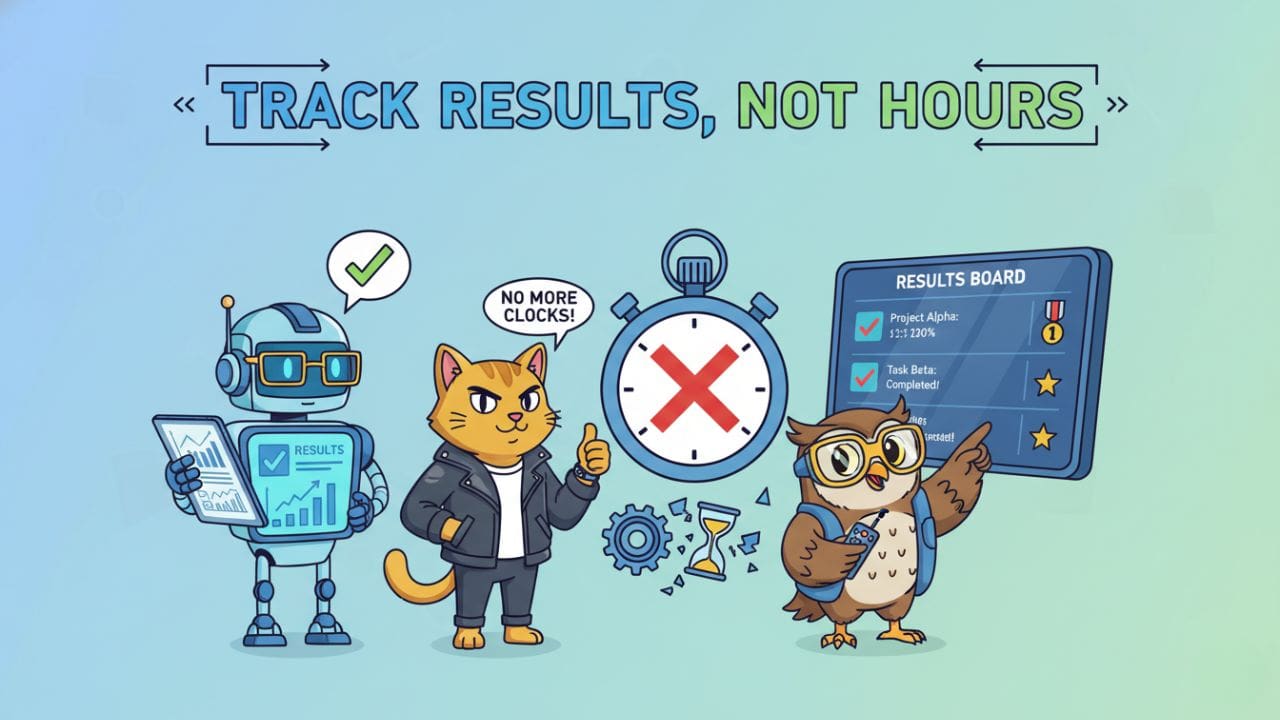
When managing virtual assistants across different time zones, focus on outcomes, not clock-in times.
This is perhaps the most important mindset shift for successful remote team management.
Output-Based Performance Metrics
Measure performance based on:
- Task completion rate
- What percentage of assigned tasks are completed on time?
- Target: 90%+ completion rate
- Quality of work
- Does work meet established standards?
- How often does work require significant revision?
- Target: <10% revision rate
- Deadline adherence
- Are deadlines consistently met?
- Target: 95%+ on-time delivery
- Initiative and problem-solving
- Does the VA proactively identify and solve problems?
- Are they bringing suggestions for improvement?
- Communication effectiveness
- Are updates clear, timely, and complete?
- Do they ask good questions when needed?
Case Study: Real Results from Strategic Time Zone Management
Company Profile
Company: Digital marketing agency Size: 8-person team (4 US-based, 4 VA team members in Philippines) Challenge: Struggling with delays, missed deadlines, frustration with time zones
Before Implementation
- Average task turnaround: 48-72 hours
- Frequent miscommunication about deadlines
- US team working late to coordinate with VAs
- Client deliverables often delayed
- Team morale: Low
Changes Implemented
- Established 3-hour overlap window (9 AM – 12 PM EST / 10 PM – 1 AM PHT)
- Created 15 core SOPs for repetitive tasks
- Implemented daily async updates via Slack
- Weekly video check-ins during overlap window
- Adopted “follow-the-sun” task assignment strategy
- Standardized all deadlines with clear time zone labels
Results After 3 Months
Quantitative improvements:
- Average task turnaround: 16 hours (67% improvement)
- On-time project delivery: 91% (up from 64%)
- US team overtime hours: Reduced by 80%
- Client satisfaction scores: +23% increase
- Revenue capacity: +35% (could take on more clients with same team)
Qualitative improvements:
- VAs reported feeling more autonomous and trusted
- US team reduced stress and late-night work
- Better work-life balance for entire team
- Stronger team cohesion despite distance
ROI calculation:
- Time invested in system setup: 40 hours
- Time saved per month: 120+ hours across team
- Break-even: First month
- Ongoing benefit: $15,000+ in value monthly
Key Success Factors (According to Team)
- The daily async updates eliminated so much back-and-forth” – Project Manager
- SOPs let me work independently without waiting for answers” – VA Team Lead
- Following the sun workflow doubled our output without burning anyone out” – CEO
- Clear time zone labels seem simple but solved 90% of our deadline confusion” – Operations Manager
Addressing Edge Cases Competitors Ignore
Scenario 1: Zero Overlap Between Time Zones
Challenge: You’re in Los Angeles (PST) and your VA is in Poland (CET) – only 2 hours of potential overlap, and it’s at awkward times (6 AM your time / 3 PM their time).
Solution strategy:
- Embrace fully asynchronous workflow
- Design all processes to work without real-time communication
- Use video messages (Loom) instead of calls
- Write comprehensive task briefs
- Schedule monthly video calls during compromise hours
- Rotate who accommodates awkward timing
- One month you wake early, next month they stay late
- Create decision-making frameworks
- Give VAs authority to make decisions within defined parameters
- Document: “If X, do Y. If unsure, flag for my review”
- Use email for reflection and strategy
- Longer, thoughtful communications work well async
- No pressure for instant responses
Real example: GitHub has team members across 60+ countries with zero overlap. Their secret: exceptional documentation, clear autonomy boundaries, and async-first culture.
Scenario 2: Emergency Communication When Outside Overlap
Challenge: Urgent issue arises during your sleep hours or their sleep hours.
Solution strategy:
- Define “emergency” criteria clearly
- Client emergency (site down, security breach)
- Financial/legal deadlines
- PR crisis
- NOT: General questions, task clarifications
- Create tiered emergency protocolTier 1: True Emergency
- Contact via phone/SMS
- Expected response: Within 1 hour
- Examples: Security breach, major client issue
- Contact via Slack/Teams with @mention
- Expected response: Within 4 hours or first thing next morning
- Examples: Time-sensitive client request, technical blocker
- Regular async communication channels
- Expected response: Within 24 hours
- Examples: Most questions, clarifications, updates
- Empower VAs to handle emergencies independently
- Create emergency response SOPs
- Give authority to take immediate action
- Review and adjust protocols in retrospectives
Emergency Contact Template:
EMERGENCY LEVELS:

🔴 TIER 1 - IMMEDIATE (Wake me up)
- [Specific criteria]
- Contact: Phone +[number]
- Expected response: 1 hour

🟡 TIER 2 - URGENT (First thing when awake)
- [Specific criteria]
- Contact: Slack with @mention
- Expected response: 4 hours or next morning

🟢 TIER 3 - NORMAL (Standard workflow)
- [Everything else]
- Contact: Regular channels
- Expected response: 24 hours
Scenario 3: Managing Multiple VAs Across 3+ Time Zones
Challenge: You have VAs in Philippines, India, and Romania. Coordinating across three vastly different time zones.
Solution strategy:
- Create a master time zone matrix
TEAM TIMEZONE MAP

Your Base: New York (EST/EDT)
Working Hours: 9 AM - 5 PM

VA 1: Manila (PHT) +13 hours
Working Hours: 8 AM - 4 PM PHT = 7 PM - 3 AM EST (previous day)
Overlap: NONE with standard hours

VA 2: Bangalore (IST) +10.5 hours
Working Hours: 9 AM - 5 PM IST = 10:30 PM - 6:30 AM EST (previous day)
Overlap: NONE with standard hours

VA 3: Bucharest (EET) +7 hours
Working Hours: 9 AM - 5 PM EET = 2 AM - 10 AM EST
Overlap: 9 AM - 10 AM EST = 2 hours

BEST GROUP MEETING TIME: 9 AM EST / 4 PM EET / 7:30 PM IST / 10 PM PHT
(Note: Late for Manila VA - rotate meeting times monthly)
- Assign regional specializations
- Different VAs handle different types of tasks based on their overlap with clients/team
- Example: Bucharest VA handles morning coordination, Manila VA handles data processing
- Use relay workflows
- Work passes from one VA to another across time zones
- Each VA adds their piece, passes to next zone
- Monthly all-hands via recording
- Record important updates that all VAs can watch in their own time
- Follow up with written summary and Q&A document
Scenario 4: Daylight Savings Chaos
Challenge: When clocks change, everything shifts but not uniformly worldwide.
| Location | DST Period | Impact |
|---|---|---|
| USA | March – November | Shifts 1 hour |
| EU | March – October | Shifts 1 hour (different dates than US) |
| Philippines | None | Never changes |
| India | None | Never changes |
Solution strategy:
- Two weeks before DST change:
- Send team-wide notification
- Update all recurring meetings
- Verify deadline times on upcoming projects
- Use UTC as standard in documentation:
- All SOPs reference UTC times
- Convert to local time zones as needed
- UTC never changes
- Automate with smart tools:
- Google Calendar auto-adjusts
- Calendly handles DST automatically
- World Time Buddy shows DST transitions
DST Notification Template:
ATTENTION: Daylight Savings Time Change

DATE: [DST change date]
AFFECTED: [Countries/regions]

WHAT CHANGES:
- Current overlap window: [times]
- New overlap window: [times]
- Difference: [description]

ACTION REQUIRED:
□ Check your calendar for recurring meetings
□ Verify upcoming deadlines match your local time
□ Update any personal scheduling tools

QUESTIONS: Reply to this message
The Psychology of Remote Time Zone Management
Systems and tools are crucial—but human factors determine whether your time zone strategy actually works.
Managing Calendar Anxiety
The problem: Both you and your VAs may feel anxious about availability and response times.
Your anxiety: “Are they actually working? Why haven’t they responded?”
VA’s anxiety: “Did I miss something important? Are they unhappy with my work?”
Solutions:
- Set clear expectations upfront
- “I’ll respond to your messages within 12 hours on weekdays”
- “I don’t expect instant responses outside our overlap hours”
- Create predictable rhythms
- Daily updates at same time
- Weekly calls on same day/time
- Predictability reduces anxiety
- Encourage transparency about struggles
- “If you’re blocked, tell me immediately – don’t wait until the deadline”
- Create safe space for questions
- Trust but verify with systems
- Use task management to track progress
- Replace worry with process
Cultural Differences in Communication
Time zones aren’t just about hours they come with cultural communication differences.
Common cultural variations:
Directness:
- Western cultures (US, EU): Often more direct, explicit
- Asian cultures (Philippines, India): Often more indirect, polite
- Impact: What seems like hesitation might be cultural politeness
Solution: State explicitly: “I value direct feedback and questions. Please speak freely with me.”
Hierarchy:
- Some cultures have stronger deference to authority
- VAs may hesitate to point out problems or disagree
- Impact: You might miss important information
Solution: Actively solicit feedback: “What problems do you see with this approach?” or “What would you do differently?”
Yes vs. No:
- In some cultures, saying “no” directly is uncomfortable
- “I’ll try” might mean “this is very difficult” not “yes, I can do it”
Solution: Ask clarifying questions: “On a scale of 1-10, how confident are you that you can complete this by the deadline?”
Maintaining Team Morale Across Distance
Challenges:
- Feeling isolated or disconnected
- Lack of casual “water cooler” interactions
- Missing non-verbal communication cues
Strategies:
- Create virtual water cooler moments
- Slack channel for non-work chat
- Monthly team game or activity during overlap
- Share wins and celebrations
- Recognize time zone sacrifice
- If someone joins a meeting at 11 PM their time, acknowledge it
- Rotate who accommodates awkward timing
- “Thanks for staying up late for this call, [Name]. I appreciate it.”
- Build personal connections
- Start meetings with personal check-in
- Remember birthdays, holidays, important events
- Ask about their local context (weather, current events, holidays)
- Provide growth opportunities
- Invest in training and development
- Create paths for increasing responsibility
- Show VAs they have a future, not just tasks
Hire a Skilled Virtual Assistant Today!
REMMS handles the vetting, training, and management so you can focus on growth.
Book a Free ConsultationFrequently Asked Questions
Why is managing time zones important when working with VAs?
How do I find overlapping hours with my VA?
Do I need full overlap with my VAs to be productive?
How can I communicate effectively across time zones?
Which tools are recommended for managing VAs?
Task Management: ClickUp, Asana, Trello, Monday.com
Documentation: Google Docs, Notion, Loom
Scheduling: World Time Buddy, Calendly, SavvyCal
How do I prevent confusion with deadlines?
What should I track to measure VA performance?
Can SOPs help with time zone management?
How do I handle emergencies when VAs are offline?
🔴 Tier 1 – immediate phone contact
🟡 Tier 2 – urgent Slack message
🟢 Tier 3 – normal workflow within 24 hours. Document protocols in SOPs.