
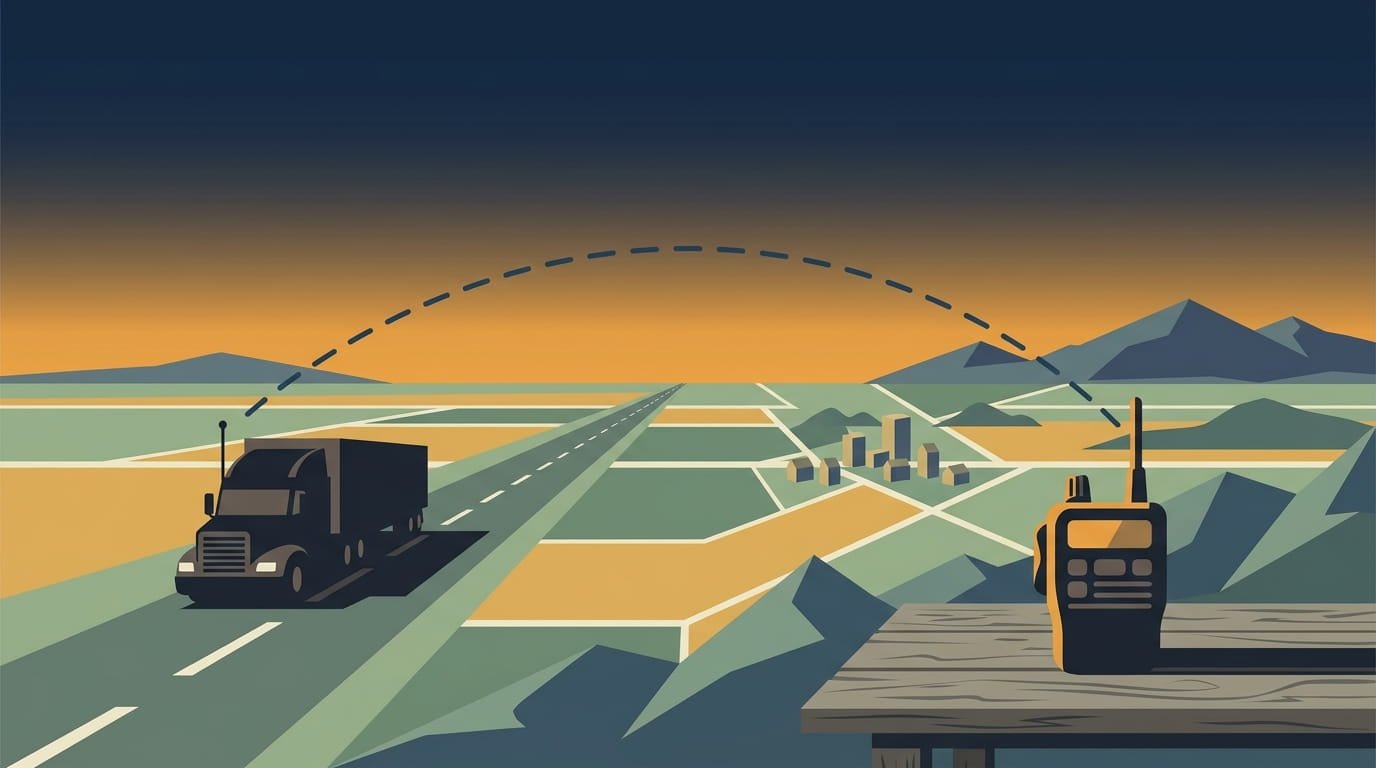
You’ve probably heard a trucker on Channel 19 talking to someone five miles ahead, warning about a scale house or a stalled car in the left lane. Then you key up your own radio and get nothing but static. CB radio range isn’t a fixed number you can stamp on a box it changes based on your setup, the terrain, and even the time of day.
The short answer: a properly installed mobile CB radio in a truck typically reaches 3 to 7 miles under normal driving conditions. Handheld units with their short rubber antennas get closer to 1 mile. But that’s just the baseline. Under the right conditions flat terrain, a well-tuned antenna, low noise you can stretch that to 15 or 20 miles. Occasionally, atmospheric conditions called “skip” can bounce your signal hundreds or even thousands of miles, which is both a blessing and a curse depending on what you’re trying to hear.
This guide breaks down what actually determines how far your CB reaches, what you can do to improve it, and why the answer is never as simple as a spec sheet.
🔗 Read article – Best Handheld CB Radio
The Honest Baseline: What “Typical Range” Really Means
Firestik, one of the most respected names in CB antennas, puts it plainly: CB operators can expect “a fairly consistent operational range of three to five miles in an area of limited obstructions”. That’s the realistic number for a legal 4-watt CB setup in a vehicle. If you’re getting 3 to 5 miles reliably, your radio is performing exactly as designed.
Cobra’s support documentation gives slightly different numbers depending on the type of radio. They estimate about 10 to 15 miles for a base station, 5 to 7 miles for a mobile unit, and roughly 2 miles for a handheld but they’re quick to add that “these optimum conditions rarely exist”. Uniden’s own guidance is even more conservative, stating that “most CB radio communication occurs within 1 to 5 miles between vehicles under typical driving conditions”.
So which number is right? All of them, depending on what you’re working with. The important thing is to understand that range isn’t a fixed property of the radio. It’s the result of a chain: your radio, your coax, your antenna, your mounting, and the environment you’re driving through. A weak link anywhere in that chain drags the whole system down.
The Antenna Is the Real Range Killer (or Booster)
If there’s one thing every experienced CB user will tell you, it’s this: the antenna matters more than the radio. A $300 radio with a poorly tuned antenna will be outperformed by a $50 radio with a properly installed, tuned setup.
Here’s why. Your radio transmits 4 watts of power. That’s the legal limit. But the antenna is what actually radiates that power into the air. If the antenna is inefficient, poorly grounded, or badly matched to the radio, most of that 4 watts gets reflected back or absorbed as heat instead of being transmitted.
SWR (Standing Wave Ratio) is the measurement that tells you how well your antenna system is working. An SWR below 2:1 is considered very good, and anything below 1.5:1 is excellent. If your SWR climbs above 3:1, you’re not just losing range you risk overheating and damaging your radio’s transmitter.
Antenna height matters almost as much as tuning. CB signals at 27 MHz travel roughly line-of-sight. The higher your antenna, the farther it can “see” over the horizon. A 102-inch steel whip mounted on your mirror bracket will outperform a 3-foot fiberglass antenna every time, because it’s physically taller and has a more efficient radiation pattern.
Ground plane is another factor truckers often overlook. The metal body of your truck acts as the ground plane for your antenna. If you mount your antenna on a fiberglass fairing or plastic mirror housing, you’re weakening that ground plane and cutting your range. Hard-mounting to metal is always better than a magnetic mount for this reason.
Coax cable is the silent range thief. Cheap or damaged coax introduces signal loss between your radio and antenna. Use RG-58 or RG-8X coax, keep the run as short as practical, and replace any cable with corroded connectors or visible damage.
Terrain and Environment: Why Your Range Changes Mile by Mile
CB signals at 27 MHz behave like light they travel in mostly straight lines and don’t bend around obstacles. That means your range is dramatically affected by what’s between you and the other radio.
Flat, open terrain like the Great Plains is ideal. Drivers in the Midwest frequently report 15 to 30 miles of range at night, when atmospheric noise is lower and signals carry farther. That’s not a fluke it’s physics. Fewer obstructions means a clearer path for your signal.
Hills and mountains are the opposite. A ridge between you and another radio can completely block the signal. Driving through a valley or canyon can cut your effective range to under a mile. If you’re on top of a hill, though, you can talk much farther than someone in the valley below.
Urban areas introduce a different problem: noise. Buildings block signals, and the sheer volume of electrical interference from vehicles, power lines, and electronics raises the noise floor. In cities, even a strong signal can get buried. One study found that in a city of 100,000 people, the average operational range of a CB was only 1.6 miles even without skip interference.
Weather and atmospheric conditions add another layer of variability. Fog, heavy rain, and snow can absorb or scatter CB signals. But the biggest wildcard is skip a phenomenon where signals bounce off the ionosphere and travel hundreds or thousands of miles. Skip can be a nuisance because distant stations drown out local traffic on Channel 19. But it can also be a thrill when you suddenly hear someone from another state.
Legal Power Limits: Why You Can’t Just Crank It Up
In the United States, CB radio power is capped by the FCC at 4 watts for AM and FM, and 12 watts PEP for SSB (single sideband). That’s not a suggestion it’s the law.
You’ll find plenty of “linear amplifiers” for sale online that claim to boost your CB to 100 watts or more. Using them is illegal. Beyond the legal risk, they often introduce distortion, splatter interference across nearby channels, and can damage your radio. The FCC explicitly prohibits raising the power output of a CB unit.
The upside is that 4 watts, when paired with a good antenna, is genuinely capable. Truckers have been communicating effectively on 4 watts for decades. The limitation isn’t the power it’s how efficiently that power gets radiated. Spend your money on antenna quality and installation, not on illegal power boosts.
Handheld vs. Mobile vs. Base Station: Range by Radio Type
Handheld CB radios are convenient but limited. With the stock “rubber duck” antenna, expect about ¾ to 1 mile in flat, open conditions. That’s fine for coordinating in a truck stop or walking around a yard, but it’s not going to give you highway-range communication. If you connect a handheld to an external mobile antenna, you can get 5 to 7 miles or more, but at that point you’re basically using it as a mobile unit.
Mobile CB radios installed in a truck with a properly tuned external antenna are the standard for a reason. They typically deliver 3 to 7 miles of reliable range, with occasional stretches to 15 or 20 miles in ideal conditions. This is what most OTR drivers rely on.
Base stations with elevated, directional antennas can reach 10 to 15 miles routinely, and much farther during skip events. Base stations aren’t practical for a truck, but they’re worth knowing about if you’re setting up a home station or a dispatch office.
How to Get the Most Range from Your CB Setup
You can’t control the terrain or the weather, but you can control your equipment. Here’s what actually moves the needle:
- Tune your antenna with an SWR meter. This is non-negotiable. A properly tuned antenna can double or triple your effective range compared to an untuned one. Aim for an SWR below 2:1 across all channels, and ideally below 1.5:1 on Channel 19.
- Mount your antenna as high as practical. Mirror mounts are common for a reason they get the antenna above the cab and provide a decent ground plane. Roof mounts are even better if you can manage the height clearance.
- Use quality coax and keep the run short. Every foot of coax introduces some loss. Don’t coil excess cable in a tight loop, and replace any cable with damaged shielding or corroded connectors.
- Consider a dual antenna setup. Many truckers run two antennas, one on each mirror. A properly installed dual setup creates a slightly directional pattern that improves front-and-back range. Just make sure both antennas are identical in brand, model, and length, and that the coax cables match too.
- Reduce noise. Engine noise and atmospheric noise both shorten your effective range because you need a stronger signal to hear it above the static. A noise-canceling microphone, proper grounding, and clean power connections all help.
- Listen during off-peak hours. Channel 19 is busiest during the day. Late night and early morning often have less congestion and lower noise, which means you can hear weaker signals from farther away.
The Bottom Line
How far can a CB radio reach? In a truck, with a properly installed and tuned system, you can expect 3 to 7 miles of reliable communication. Handheld radios with stock antennas get about 1 mile. Under ideal conditions flat terrain, low noise, a quality antenna you might stretch that to 15 or 20 miles. And occasionally, when the atmosphere cooperates, you’ll hear someone from across the country.
The range isn’t determined by the radio alone. It’s the sum of your antenna, your coax, your mounting, and the environment you’re driving through. Get the antenna right, tune it properly, and you’ll get the most out of those 4 watts.
Frequently Asked Questions
Can a CB radio really reach 30 miles?
Does a more expensive CB radio give more range?
Why does my CB range drop at night sometimes?
Can I use a handheld CB radio in my truck and get decent range?
Do I need a license to operate a CB radio?
Ready to stop dreaming and start driving?
Fill out the form and a Remms recruiter will reach out within one business day. No spam, no pressure — just real results.
Submit Driver Profile