
Disclaimer: This article is provided for informational purposes only and does not constitute legal or professional advice. Always consult with your fleet safety team, legal counsel, and insurance provider before purchasing and installing any dash cam system. FMCSA regulations and state laws may vary verify compliance in your jurisdiction.
Introduction: Why Your Next Dash Cam Decision Could Save Your CDL
You’re rolling down I-80 at 2 AM, 80,000 pounds of freight behind you, and the driver in the next lane drifts into your space. You hit the air horn, swerve just enough, and avoid a disaster. But what if you hadn’t?
For America’s truckers, that moment the one where a split-second decision separates a clean logbook from a lawyer’s phone call is exactly why a dash cam isn’t just another gadget.
It’s livelihood protection. According to FMCSA data, the average non-injury commercial vehicle collision costs roughly $47,000, with injury crashes approaching $400,000 and fatal incidents exceeding $14.5 million.
Nuclear verdicts jury awards above $10 million are increasingly common in trucking litigation, and video evidence is now the single most effective defense against them.
But here’s the problem: not all dash cams are built for trucking. A camera that works perfectly in a Honda Civic will fail in a Peterbilt. The heat, vibration, 24V electrical systems, and 14-hour shifts demand something tougher.
That’s why this Dash Cam buyers guide is written specifically for drivers who log serious miles not commuters who drive 20 minutes to work.
Whether you’re an owner-operator or a fleet driver, this Dash Cam buyers guide walks you through the ten features that separate a camera that protects you from one that just records blurry footage of your dashboard. Let’s get into it.
Feature #1: Multi-Channel Recording – Front, Rear, and Cabin Coverage
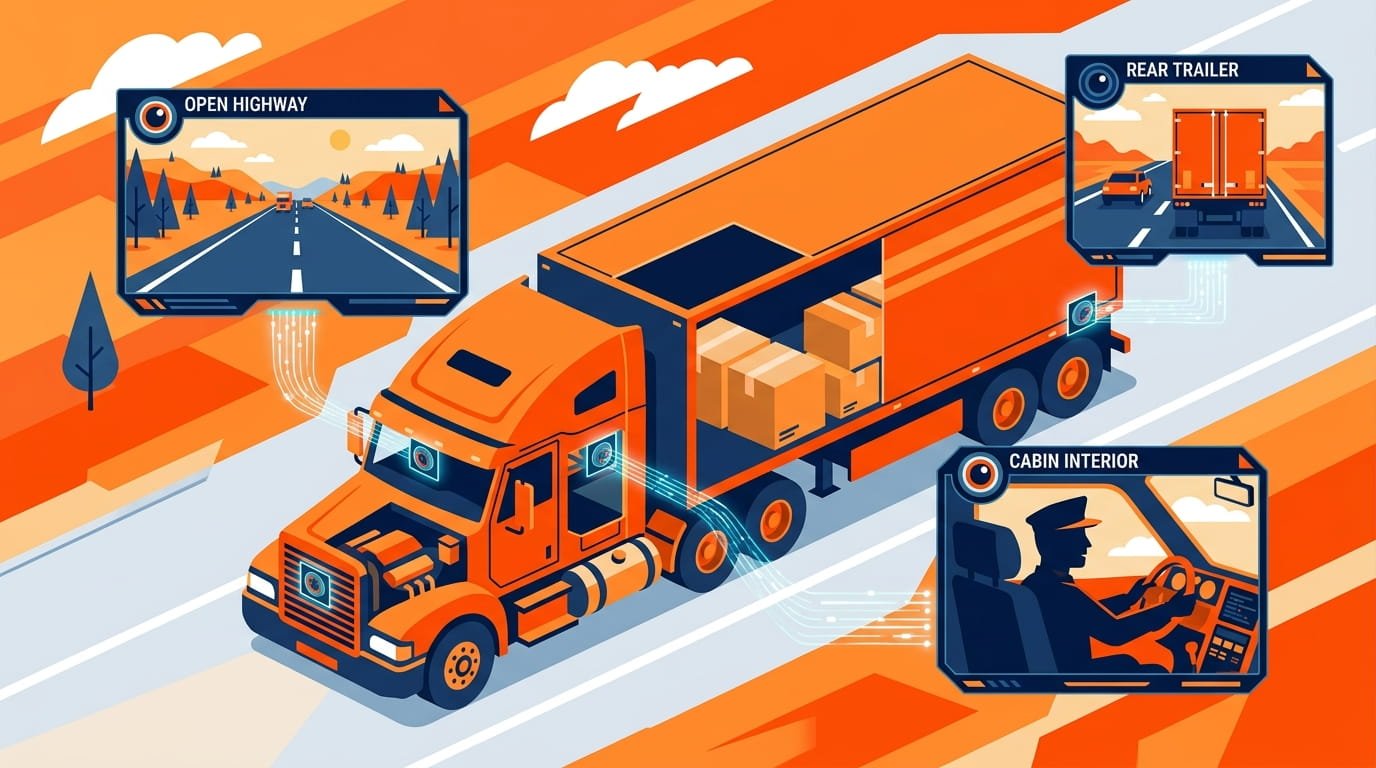
A single-channel camera leaves too much uncovered on a rig this size. Side scrapes during merges, rear-end hits while stopped, trailer incidents during loading none of that gets caught by a forward-facing lens alone.
For most owner-operators, 3-channel recording hits the sweet spot between cost and actual coverage. A typical 3-channel setup includes:
- Front-facing camera (4K recommended) capturing the road ahead
- Rear-facing camera (1080p minimum) covering what’s behind you
- Cabin/interior camera (1080p with infrared) documenting driver behavior and preventing false claims
The Vantrue N4 Pro, for example, offers 4K front, 1080p cabin, and 1080p rear simultaneously, providing comprehensive coverage from a single device.
For trucks with unique configurations, some systems like the VIOFO A329WW 3CH offer 4K front plus two waterproof exterior cameras that can be positioned to cover side blind spots or cargo areas.
What this means for you: If someone claims you cut them off, merged poorly, or backed into them, multi-channel footage shows the full picture not just one angle. Any serious Dash Cam buyers guide will tell you: skimping on coverage is skimping on protection.
Feature #2: Supercapacitor Power – Not Lithium Batteries
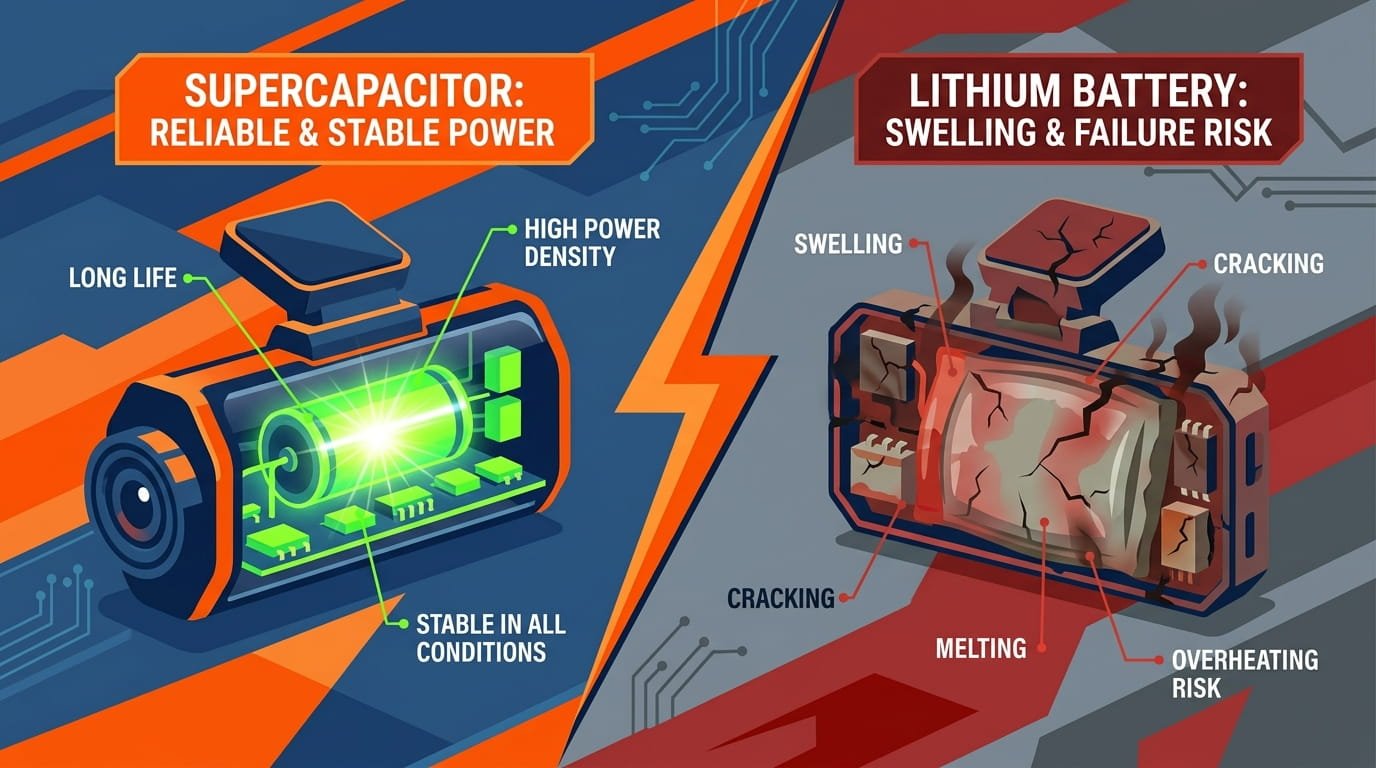
This is the feature most consumer reviews completely miss. Cab temperatures behind a windshield routinely exceed 80°C (176°F) in summer. Lithium-ion batteries swell, degrade, and eventually fail under sustained heat.
Forum discussions are filled with reports of lithium-powered units shutting down mid-summer or swelling after 12–18 months of truck use.
Supercapacitors are the solution. They tolerate a much wider temperature range typically –20°C to 65°C or higher and don’t suffer the same chemical degradation cycle.
The tradeoff? Supercapacitors don’t store enough energy to power standalone parking mode; you’ll need a hardwire kit for that. But for reliability in a heavy-duty truck, the supercapacitor wins every time.
What this means for you: A dash cam with a lithium battery is a ticking time bomb in a truck cab. Look for “supercapacitor” in the specifications.
It’s a small detail buried in the fine print, but it’s one of the best predictors of whether a camera survives two winters or dies after one. No serious Dash Cam buyers guide would omit this critical distinction.
Feature #3: 12–36V Voltage Compatibility
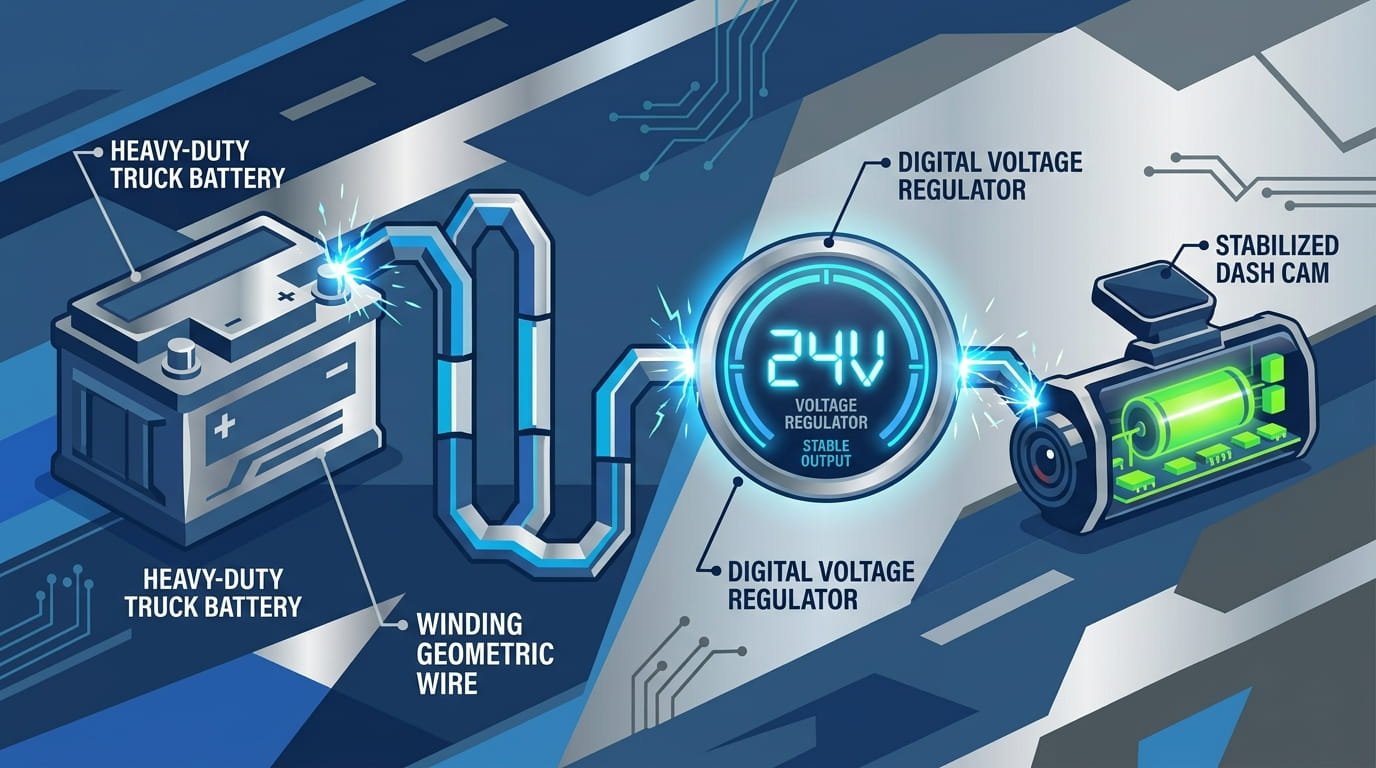
Most dash cam recommendation lists treat semi trucks like oversized sedans. They’re not. A Class 8 tractor-trailer runs a 24V electrical system.
Plug a standard 12V dash cam into that environment, and you’re looking at a fried power board before you hit your first weigh station.
In twelve years of building commercial-grade cameras, the failure report seen most often isn’t a lens problem or a firmware bug it’s a voltage log showing a 24V input spike that the camera’s regulator never recovered from.
What this means for you: Any serious semi truck dash cam must accept a 12–36V input range. This is non-negotiable. Check the spec sheet, not the marketing copy.
If the camera only supports 12V, keep scrolling. This Dash Cam buyers guide can’t stress this enough voltage compatibility is the difference between a camera that works and one that fails when you need it most.
Feature #4: Sony STARVIS Night Vision
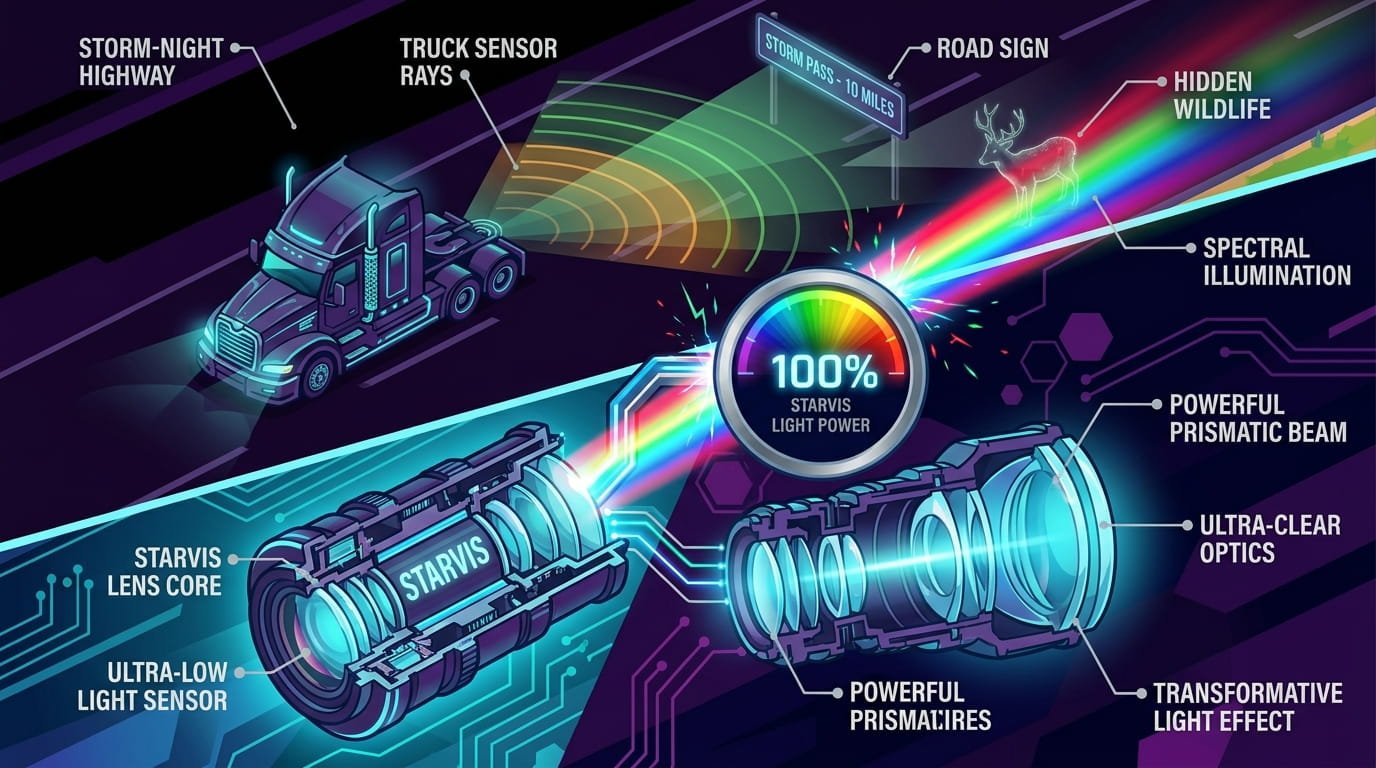
A huge chunk of trucking happens at night right when footage quality matters most. Cheaper cameras turn into a blurry mess the moment lighting gets tricky, right when you’d need clear footage the most.
Sony STARVIS and STARVIS 2 sensors are the gold standard for low-light performance. These sensors excel at capturing details like license plates, high-contrast signage, and faces in challenging lighting conditions.
For cabin cameras, infrared (IR) LEDs provide illumination without blinding the driver.
What this means for you: Prioritize night-vision sensor quality over raw resolution. A 4K camera with a cheap sensor will produce worse nighttime footage than a 1080p camera with a STARVIS sensor.
Look for cameras with STARVIS 2 sensors, HDR (High Dynamic Range), and IR capability for cabin views. When you’re comparing models in this Dash Cam buyers guide checklist, night vision should be near the top.
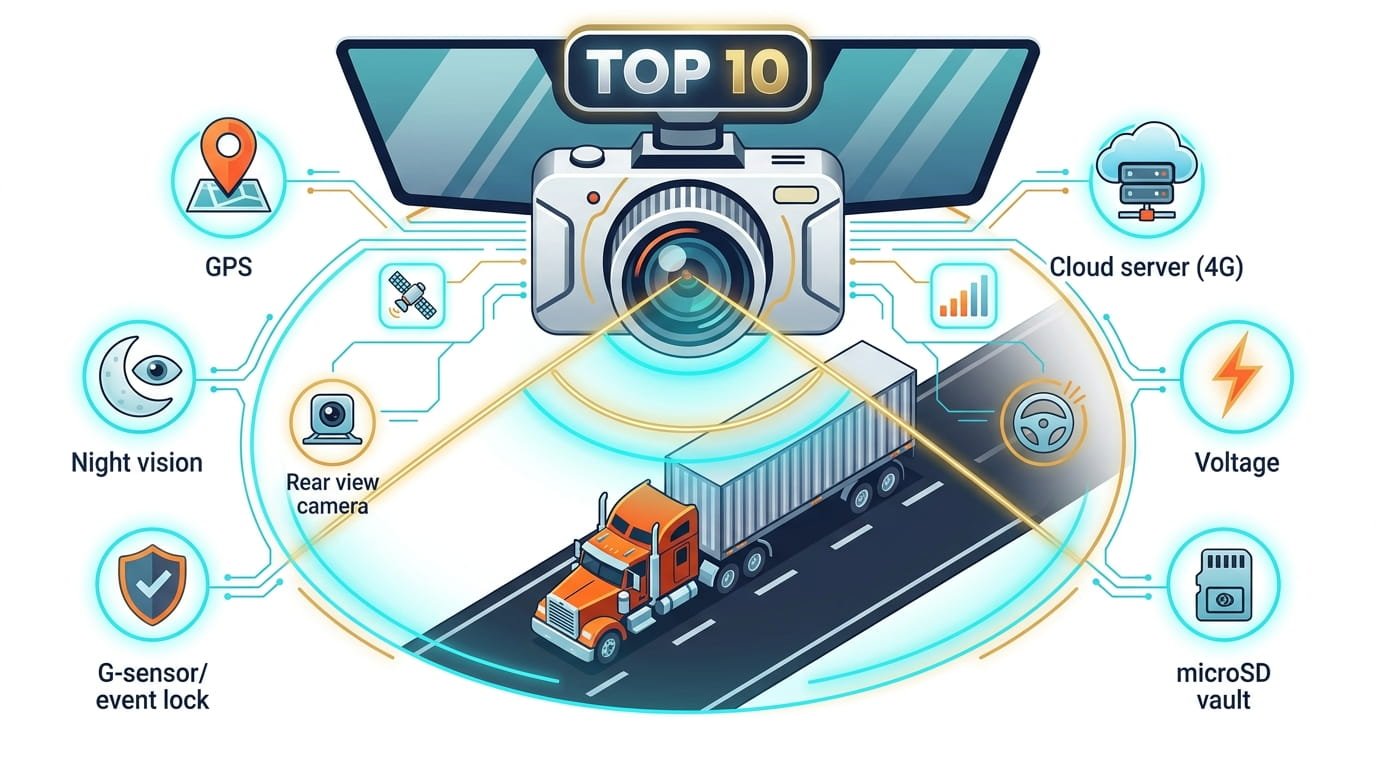
Feature #5: GPS Logging – Speed, Location, and Time Stamps
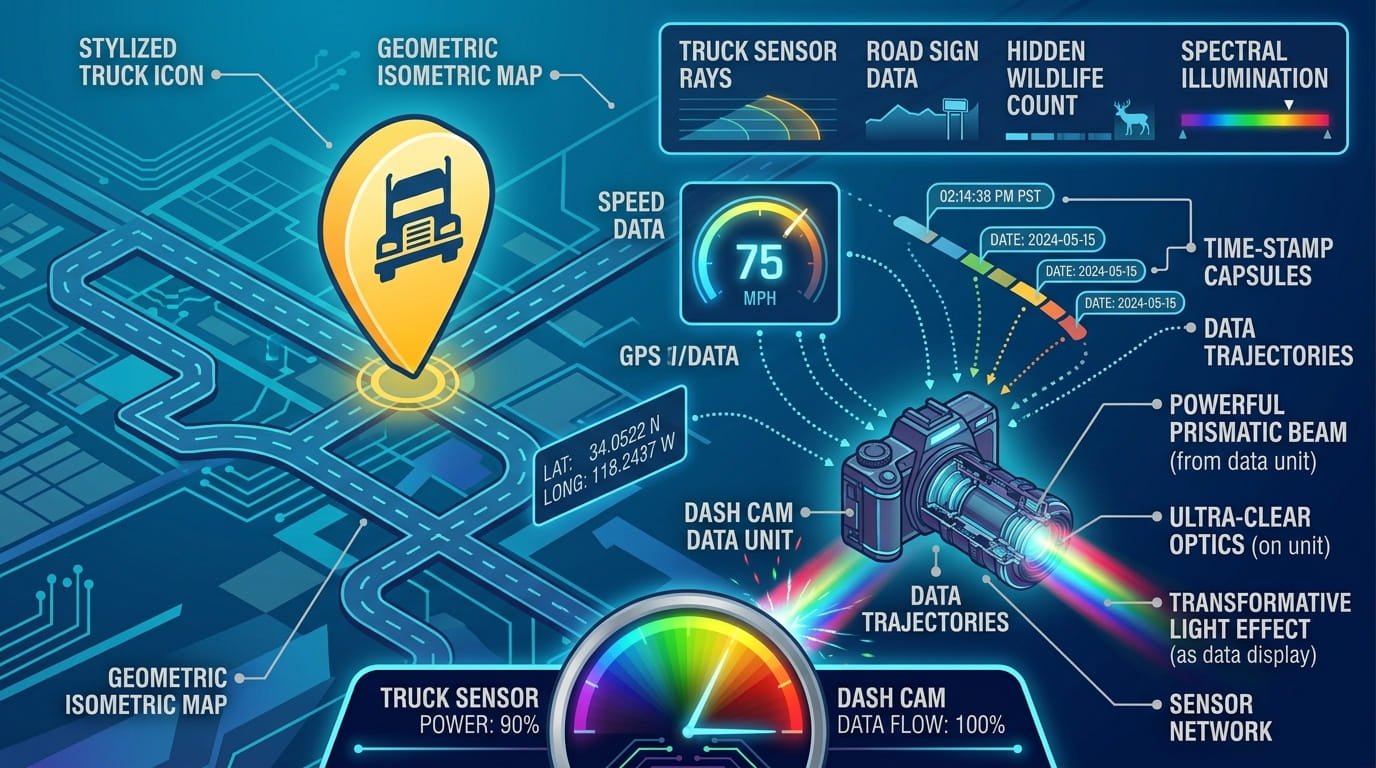
When a dispute comes down to exactly where you were and when, a GPS log turns a fuzzy memory into hard data. Built-in GPS embeds date, time, speed, and location data directly into every video file.
For owner-operators, GPS mostly backs up your side of a dispute exact location and speed tied to real footage instead of a fuzzy memory. For fleet drivers, that same data feeds into trip logging and driver coaching.
What this means for you: Without GPS, your footage is just video. With GPS, it’s evidence. If you’re accused of speeding, running a red light, or being in the wrong place, GPS data proves otherwise.
This is one of the most frequently overlooked features in any Dash Cam buyers guide, yet it’s among the most valuable for legal protection.
Feature #6: 4G/Cloud Connectivity – Access Evidence Without the Truck
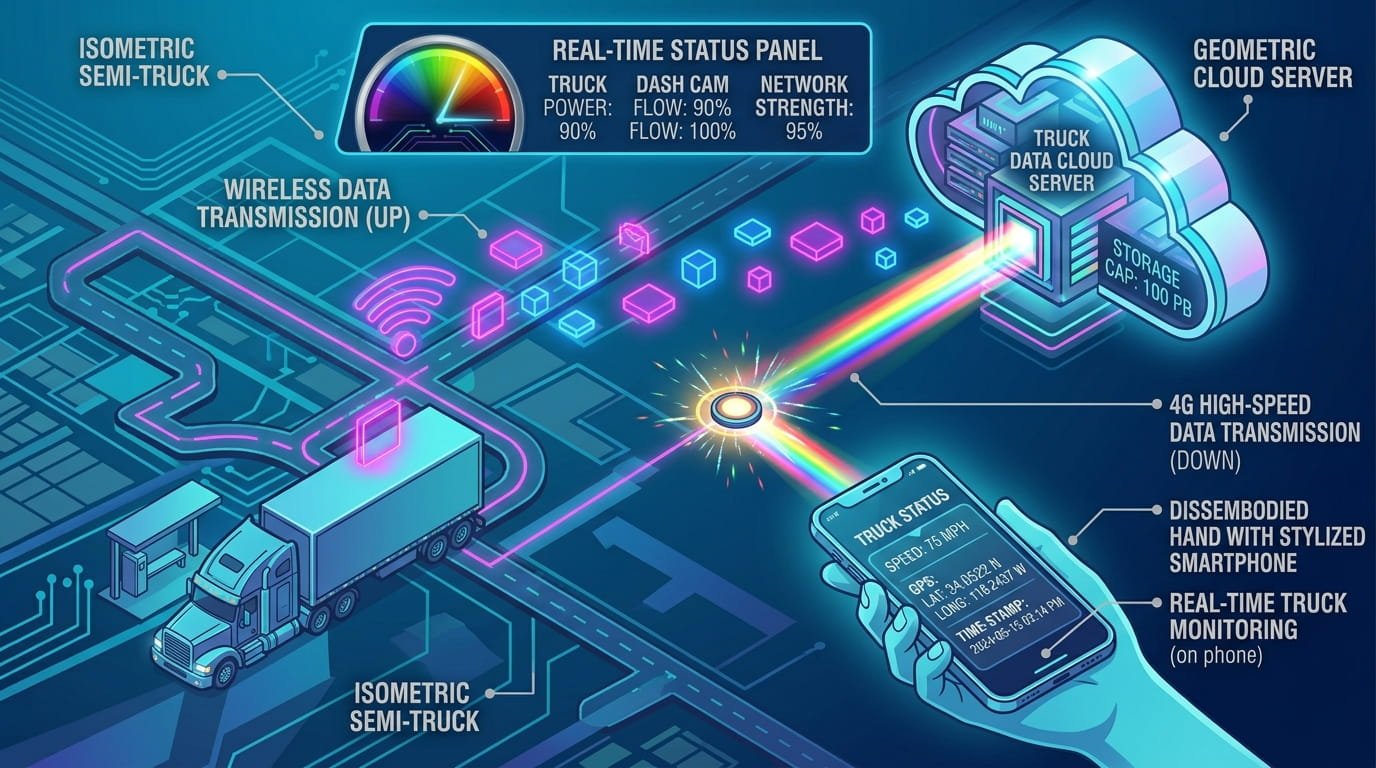
Here’s the problem traditional dash cams don’t solve: evidence arrives too late. A truck driver gets a call from dispatch: “There’s been a complaint about your lane change two hours ago.”
The footage exists. But it’s on an SD card in a truck that’s 400 miles away. By the time someone pulls the card, finds the clip, exports it, and sends it, the dispute window can be closing.
A 4G-enabled cloud dash cam turns footage into something you can access while the truck is still on the road. When an event happens impact, parking incident, suspicious activity you get an alert. A clip is available remotely.
What this means for you: For trucking, the most valuable dash cam feature in 2026 isn’t higher resolution. It’s being able to access evidence without waiting for the truck.
Cloud connectivity saves time, speeds up insurance decisions, and protects you from disputes that would otherwise drag on for weeks. Whether you choose a camera with built-in LTE or an add-on kit, this feature is becoming essential.
Feature #7: G-Sensor and Event-Triggered Recording
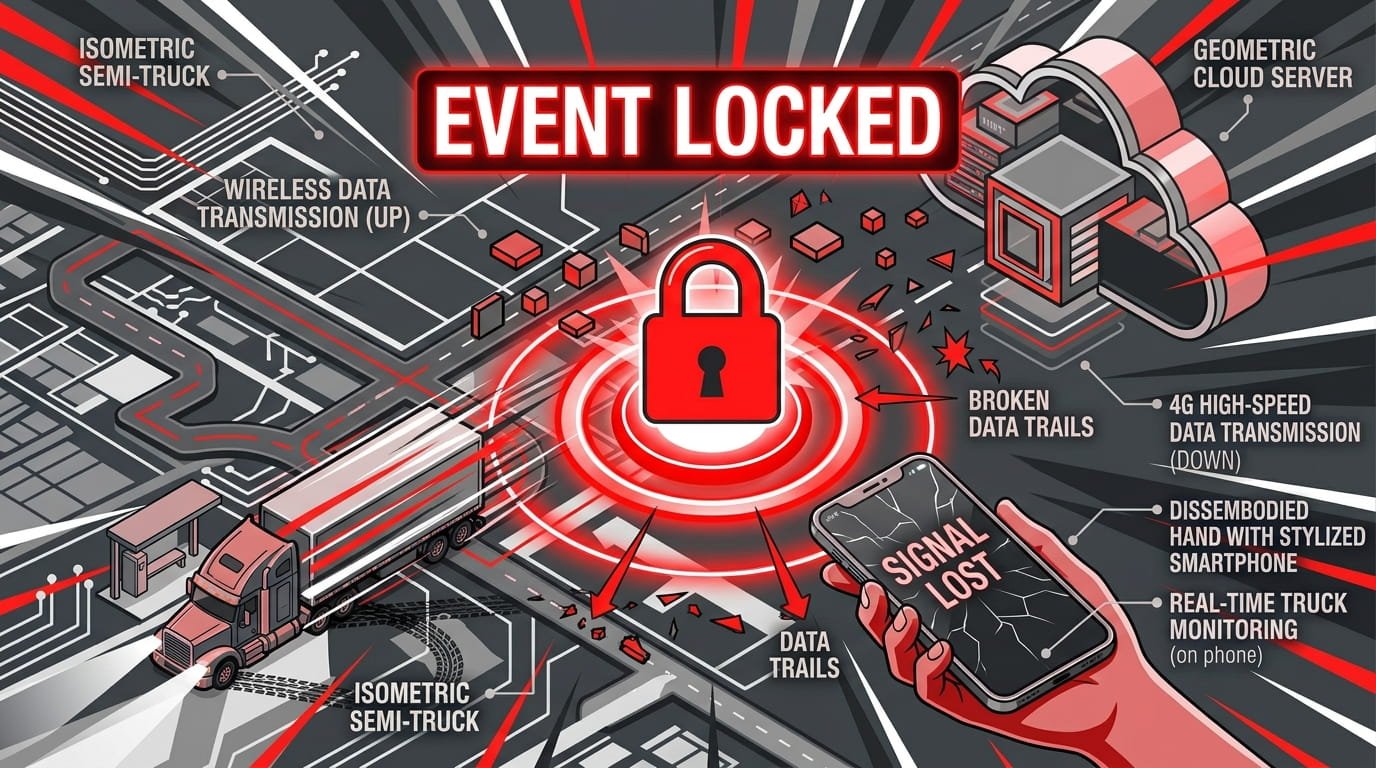
Loop recording continuously overwrites old footage as the memory card fills. That’s fine for routine driving but what happens when something important occurs? Without protection, the clip you need could be overwritten before you even know you need it.
The G-sensor (accelerometer) solves this. When the camera detects a sudden impact, hard brake, or sharp swerve, it automatically locks that footage, preventing it from being overwritten.
Some cameras also support manual event buttons for the driver to trigger recording manually.
What this means for you: A G-sensor is your insurance policy against lost evidence. It ensures that the moments that matter collisions, near-misses, sudden stops are preserved even if you don’t think to save them manually.
Any worthwhile Dash Cam buyers guide will highlight this as a must-have safety net.
Feature #8: Parking Mode – Protection When You’re Not Driving
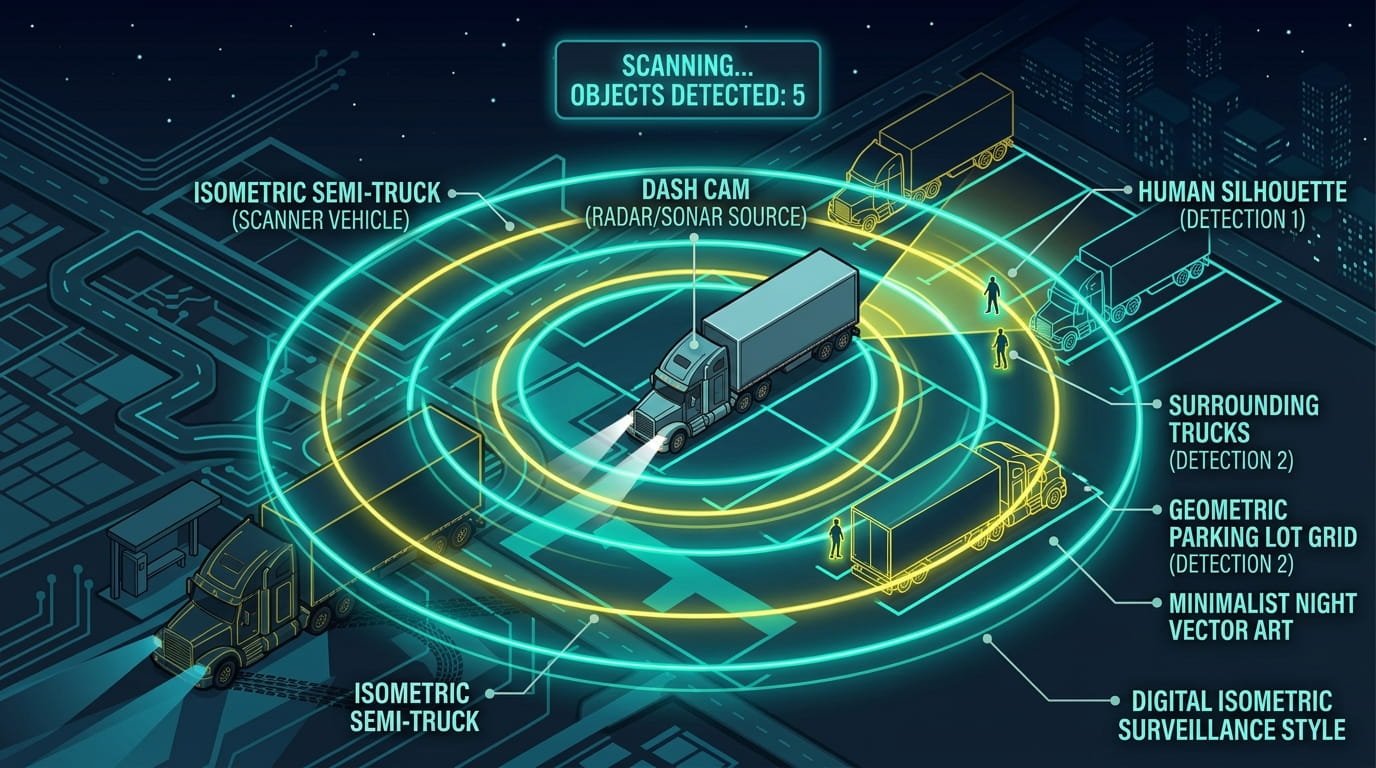
Truck stops and loading docks don’t always have security cameras covering every parking space. That’s where parking mode becomes valuable. It keeps recording while you’re asleep in the cab or away from the truck, so you have footage if someone hits your vehicle or tampers with it.
Motion-triggered or impact-triggered recording is usually the better choice it saves storage and power while still capturing important events.
For parking mode to work, the camera typically needs to be hardwired to the vehicle’s battery, with voltage monitoring to prevent draining the battery below starting levels.
What this means for you: Hit-and-runs in truck stops are more common than you’d think. Parking mode gives you a fighting chance to identify the other vehicle and protect yourself from insurance claims that aren’t your fault.
When you’re building your Dash Cam buyers guide checklist, don’t skip this feature your parked truck is just as vulnerable as your moving one.
Feature #9: High-Capacity, High-Endurance Storage
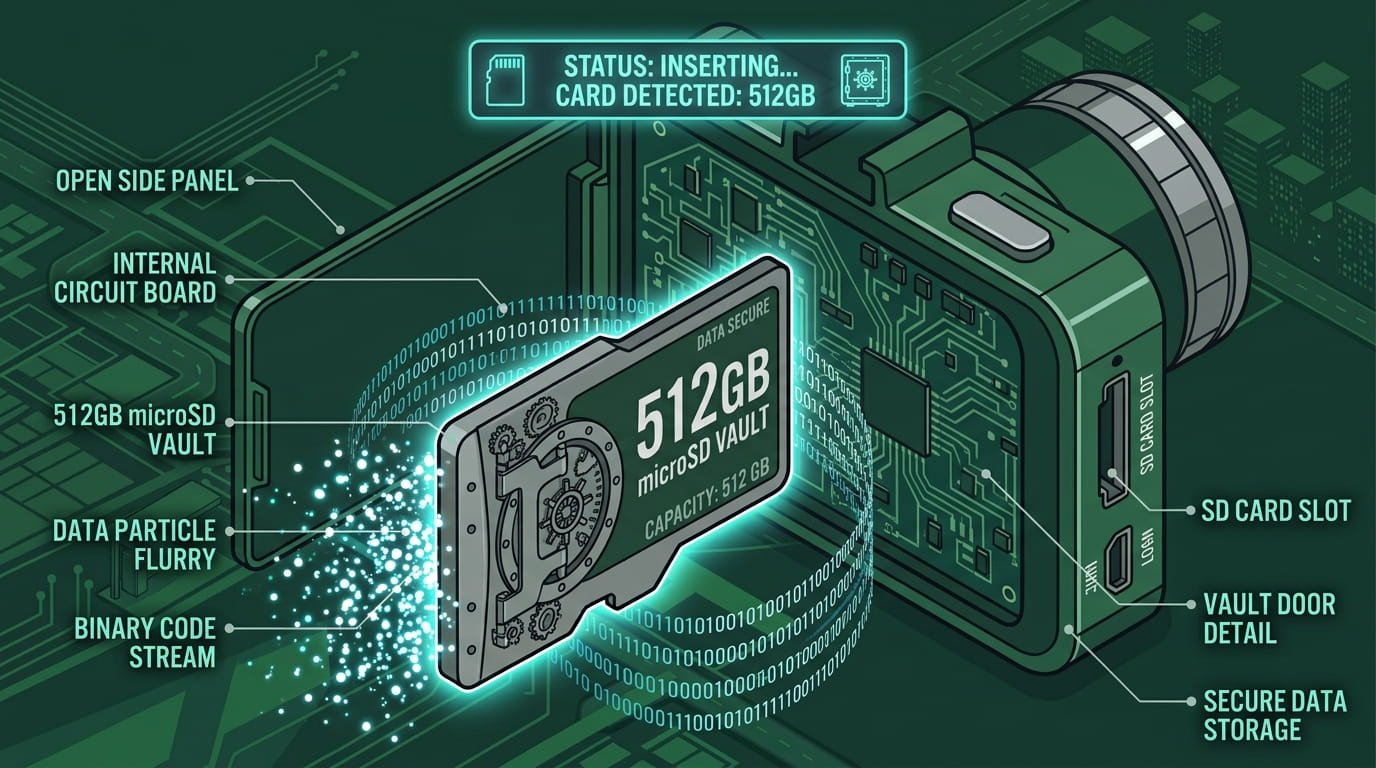
Continuous multi-channel recording can fill a memory card surprisingly quickly. A 128GB card might sound like a lot, but with 3-channel 4K recording, you’re looking at hours, not days, of footage before loop recording starts overwriting.
What you need:
- High-endurance microSD cards designed for continuous writing (standard cards fail faster under constant use)
- Large capacity 512GB is becoming the new standard for serious truckers
- Loop recording that reliably overwrites old footage without gaps
What this means for you: Storage is the foundation of everything your dash cam does. If the card fails, corrupts, or fills up at the wrong moment, none of the other features matter.
Invest in quality storage, and check compatibility with your camera’s maximum supported capacity. A comprehensive Dash Cam buyers guide always includes storage recommendations and for good reason.
Feature #10: Driver Assistance Systems (ADAS)
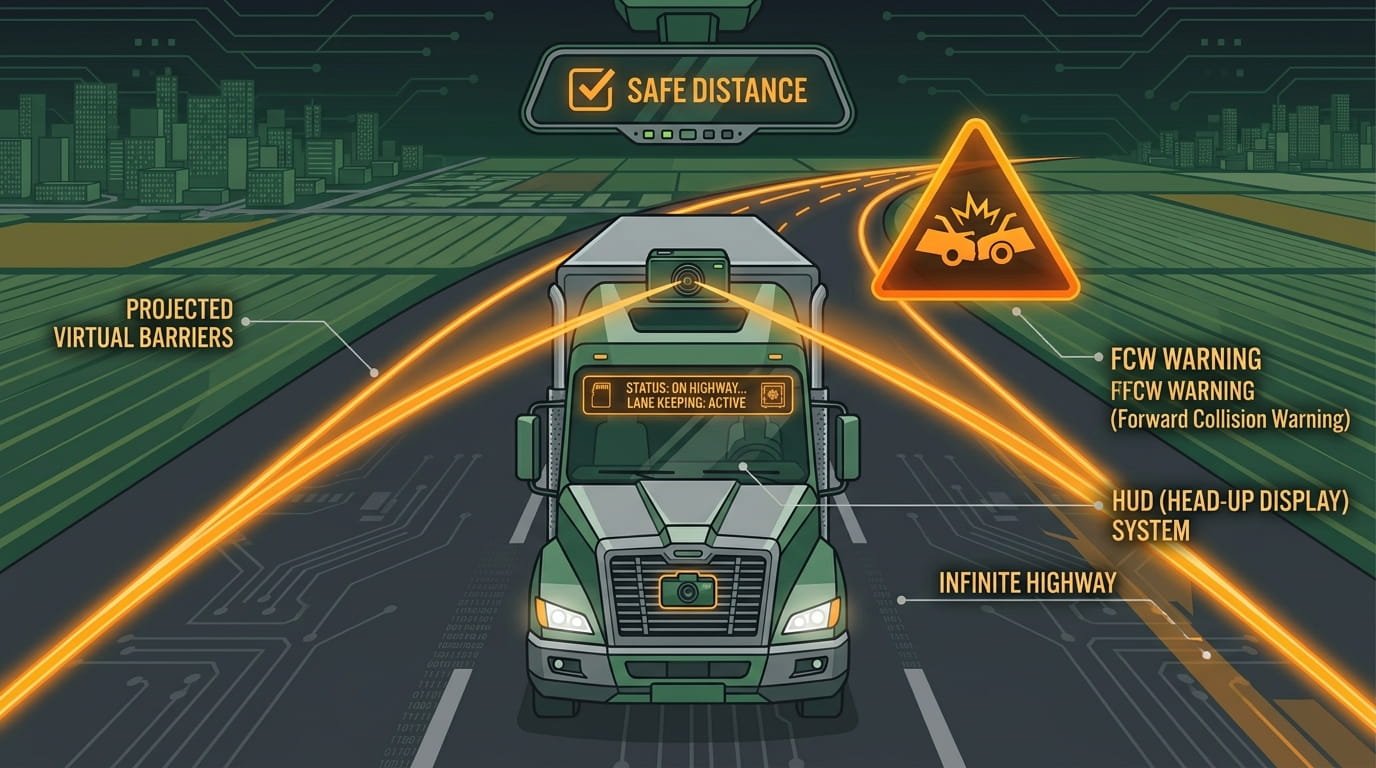
Advanced Driver Assistance Systems (ADAS) are becoming increasingly common in truck dash cams. These include:
- Forward Collision Warning (FCW) alerts you when you’re approaching a vehicle too quickly
- Lane Departure Warning (LDW) alerts you when you drift out of your lane without signaling
- Headway Monitoring warns you if you’re following too closely
These features aren’t just convenience they’re safety multipliers. In unfamiliar and congested work zones, ADAS features assist drivers in staying alert and avoiding incidents.
With proposed FMCSA rules on Automatic Emergency Braking (AEB) for heavy trucks expected by 2026–2027, camera hardware is becoming effectively mandatory in new heavy trucks.
What this means for you: ADAS features add an extra layer of protection beyond just recording. They actively help you drive safer, which means fewer incidents, better safety scores, and potentially lower insurance premiums.
For fleets, AI-powered coaching features can automatically score drivers and assign training modules based on detected events.
FMCSA Compliance: Where and How to Mount Your Dash Cam
Before you install any dash cam, you need to know the rules. The Federal Motor Carrier Safety Administration (FMCSA) regulates camera placement on commercial motor vehicles under 49 CFR § 393.60(e) .
Key requirements:
- The camera must be positioned in a way that does not obstruct the driver’s sight lines to the road and highway signs
- The camera may NOT be mounted more than 8.5 inches below the upper edge of the area swept by the windshield wipers
- The camera may NOT be mounted more than 7 inches above the lower edge of the area swept by the windshield wipers
In 2022, the FMCSA finalized a rule change that grants dash cam placement in accordance with these instructions without the need for an exemption.
Previously, companies like Samsara and Netradyne had to apply for 5-year exemptions to mount cameras lower on the windshield. Those exemptions are set to expire in October 2026, making the permanent rule change even more important.
Best practices for installation:
- Clean the windshield thoroughly before adhering the camera
- Press and hold firmly for 10-20 seconds
- Do not mount in tinted areas of the windshield
- Ensure the rearview mirror remains fully operational
- The road-facing camera should have a clear view of the road, hood, and hood-mounted mirrors
What this means for you: Improper mounting isn’t just a safety hazardit’s a violation that can lead to fines or worse. Always check FMCSA requirements before installation, and if you’re unsure, consult with your fleet safety team or legal counsel.
Any responsible Dash Cam buyers guide should include these compliance details and now yours does.
Insurance and Legal Benefits: Why Dash Cams Pay for Themselves
The business case for a truck-grade dash camera is settled. Commercial auto premiums are climbing 8–11% year-over-year, and insurers are increasingly rewarding drivers and fleets that use camera systems.
Key insurance benefits:
- Several national commercial trucking insurers now offer coverage to fleets that use AI-enhanced camera systems at rates 15–25% below standard commercial rates
- Some insurers require dashcam installation as a condition of coverage for high-risk fleet categories
- Dash cams reduce settlement time and litigation costs
- Video evidence helps police and insurance investigators make true determinations of fault
For drivers: A Class A truck driver job posting shows $29/hour without a driver-facing dash camera, and $30 per hour with one. That’s a $2,000+ annual difference just for having the camera.
What this means for you: A dash cam isn’t an expense it’s an investment that can pay for itself in insurance savings, legal protection, and even higher pay rates.
When you’re working through this Dash Cam buyers guide, think of each feature as a line item in your risk management strategy, not just a spec on a box.
Quick Comparison: Top Dash Cams for Truckers in 2026
| Model | Channels | Resolution | Key Feature | Price Range | Best For |
|---|---|---|---|---|---|
| Garmin Dash Cam 67W | 1-channel | 1440p (2K QHD) | 180° FOV, built-in GPS | ~$250 | Best overall for owner-operators |
| Vantrue N4 Pro | 3-channel | 4K front + 1080p cabin + 1080p rear | Triple STARVIS 2, IR night vision | ~$390 | Best multi-camera coverage |
| Vantrue E1 Lite | 1-channel | 1080p | Sony STARVIS low-light sensor | ~$115 | Best budget option |
| Samsara CM32 | Dual-facing | 1080p | AI safety coaching, unlimited cloud | $299 + $27/mo | Best fleet dashcam |
| BlackVue DR970X-2CH | 2-channel | 4K front | Cloud connectivity, LTE optional | ~$430–480 | Best cloud/remote access |
| VIOFO A329WW 3CH | 3-channel | 4K front + 2K exterior + 2K exterior | Waterproof exterior cams, Wi-Fi 6 | ~$480–520 | Best for custom exterior coverage |
Final Thoughts: Building Your Personal Dash Cam Buyers Guide
Here’s the truth: the best dash cam for you depends on how you drive, where you drive, and what you need to protect.
If you’re an owner-operator running solo, a 3-channel camera like the Vantrue N4 Pro gives you comprehensive coverage without monthly fees. Prioritize night vision, GPS logging, and supercapacitor construction. You’re buying once, and it needs to last.
If you’re a fleet driver, your company may already have a preferred system. But if you have a choice, look for cloud connectivity and AI coaching features that can improve your safety scores and potentially your pay.
If you’re a fleet manager, the calculus is different. You need event queues, clip filtering, coaching workflows, and policy visibility across many trucks.
Subscription-based systems like Samsara, Motive, or Lytx may cost more upfront but deliver better ROI through safety improvements and insurance savings.
Key Takeaways
- Multi-channel recording (3-channel minimum) covers front, rear, and cabin no blind spots
- Supercapacitors survive cab heat; lithium batteries fail
- 12–36V compatibility is essential for 24V semi truck electrical systems
- Sony STARVIS sensors deliver the best night vision prioritize sensor quality over megapixels
- GPS logging turns footage into admissible evidence with speed and location data
- 4G cloud connectivity lets you access footage without being near the truck
- G-sensor automatically locks critical footage so it doesn’t get overwritten
- Parking mode protects your truck when you’re not driving
- High-endurance storage (512GB recommended) keeps recording through long hauls
- ADAS features (lane departure, forward collision warnings) actively help you drive safer
Frequently Asked Questions (FAQ):
Are dash cams legal in commercial trucks? Where can I mount mine?
Bottom line: Install your dash cam within these limits, and you’re fully compliant. Improper mounting isn’t just a safety hazard. It’s a violation that can lead to fines. Any trustworthy Dash Cam buyers guide will emphasize FMCSA compliance as the first checkpoint.
Will a dash cam lower my truck insurance premiums?
Bottom line: Bottom line: A dash cam is an investment that pays for itself. The insurance savings alone often justify the purchase. Any solid Dash Cam buyers guide will tell you—this is one of the fastest ways to see ROI.
What’s the difference between a supercapacitor and a lithium battery dash cam?
The tradeoff? Supercapacitors don’t store enough energy for standalone parking mode—you’ll need a hardwire kit for that. But for reliability in a heavy-duty truck, the supercapacitor wins every time.
Bottom line: Look for “supercapacitor” in the specifications. It’s a small detail that predicts whether a camera survives two winters or dies after one.
Why can’t I just use a regular car dash cam in my semi-truck?
Bottom line: Voltage compatibility is the difference between a camera that works and one that fails when you need it most. No trustworthy Dash Cam buyers guide would omit this critical distinction.
How much storage do I need for a truck dash cam?
Bottom line: If the card fails, corrupts, or fills up at the wrong moment, none of the other dash cam features matter. A comprehensive Dash Cam buyers guide always includes storage recommendations and for good reason.
Do dash cams record audio? Is that legal?
Bottom line: Check your state laws and company policies before enabling audio recording. Most cameras allow you to toggle audio on or off in the settings.
What is parking mode and does it drain my truck battery?
To prevent battery drain, look for cameras with a low-power parking mode that switches to reduced power consumption . Use a hardwire kit with voltage cutoff that shuts the camera off before the battery drops below starting levels . Check your battery level regularly to ensure the dash cam isn’t draining more power than the vehicle can handle.
Bottom line: Parking mode is invaluable for truck stop protection, but always use a hardwire kit with voltage monitoring.
How important is night vision quality in a truck dash cam?
Sony STARVIS and STARVIS 2 sensors are the gold standard for low-light performance . These sensors excel at capturing details like license plates, high-contrast signage, and faces in challenging lighting conditions. Prioritize night-vision sensor quality over raw resolution. A 4K camera with a cheap sensor will produce worse nighttime footage than a 1080p camera with a STARVIS sensor.
Bottom line: When comparing models in your Dash Cam buyers guide checklist, night vision should be near the top.
Can dash cam footage be used in court?
With nuclear verdicts (jury awards above $10 million) increasingly common in trucking litigation, video evidence is now the single most effective defense against them.
Bottom line: A high-quality dash cam with GPS logging, clear resolution, and proper mounting turns your footage into admissible evidence that can save your CDL and your livelihood.
Can I install a dash cam myself or do I need a professional?
However, for parking mode or a clean, permanent installation, you’ll need to hardwire the camera to the truck’s fuse box. This involves routing cables behind trim panels, connecting to always-on and ignition-switched power sources, and setting voltage cutoff to prevent battery drain.
Bottom line: If you’re comfortable with basic electrical work, DIY installation is doable. If not, professional installation at many truck stops and automotive shops is typically $100–200 for a clean, reliable setup.
About This Dash Cam Buyers Guide
This Dash Cam buyers guide was written specifically for the American trucking community drivers who log serious miles, face serious risks, and need serious protection.
Whether you’re protecting your CDL, your livelihood, or just your peace of mind, the right dash cam is one of the best investments you can make.
Drive safe out there. And remember: when something goes wrong, the footage doesn’t lie. Make sure you have the camera that captures it.
Ready to stop dreaming and start driving?
Fill out the form and a Remms recruiter will reach out within one business day. No spam, no pressure — just real results.
Submit Driver Profile